e1600 User Manual, Issue 1 © Synectic Systems Group Ltd 2012. All Rights Reserved
Specifications subject to change. E&OE Page 45
4.1.2 Configure Streams
You now have to configure the streams on the encoder. An e1600 encoder can support a maximum of
16 streams.
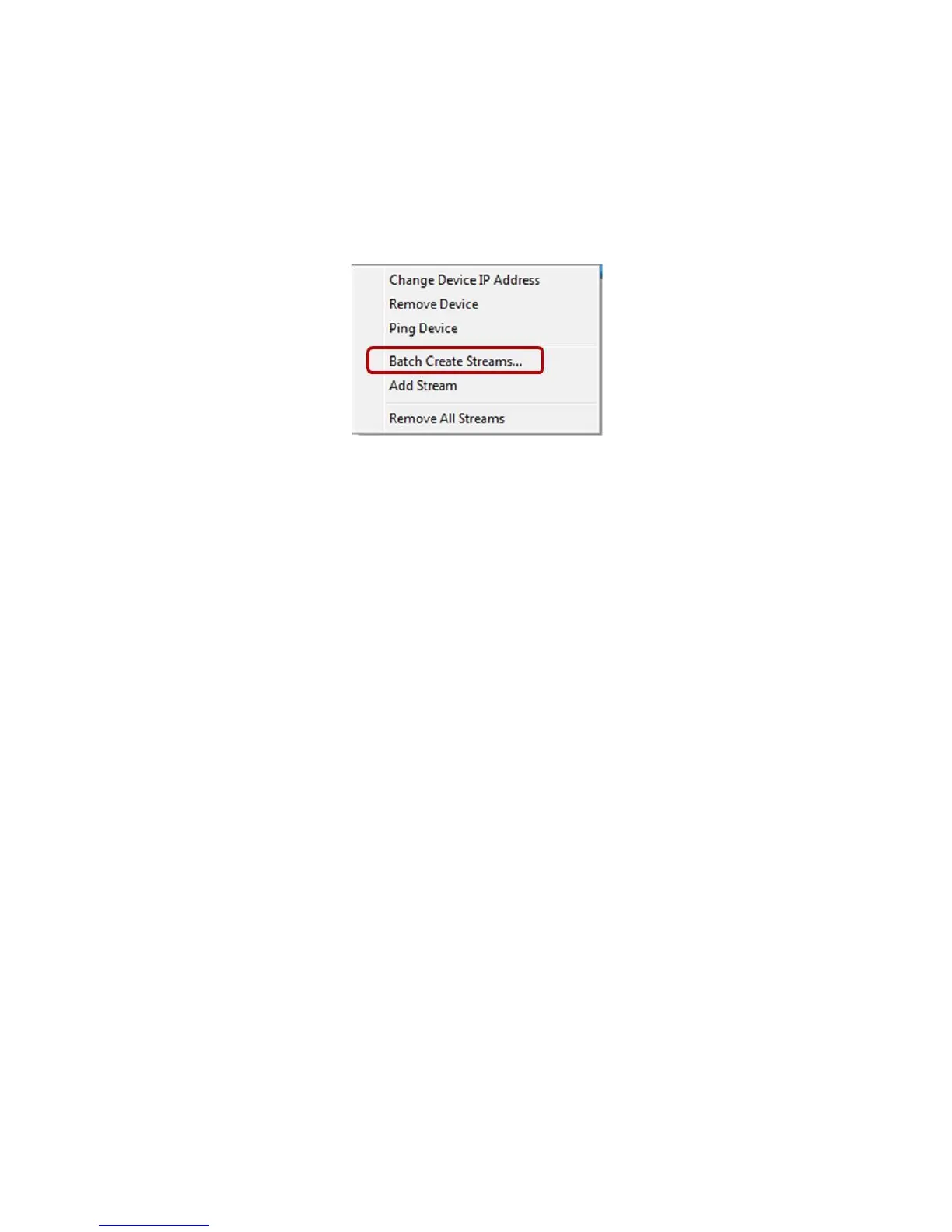
You can add the streams one by one. However if there are multiple streams it is easier to add them
as a batch. To do this right click the Encoder and select Batch Create Streams from the context
menu.
The Stream Batch Creation dialog is launched:



 To Next Page