e1600 User Manual, Issue 1 © Synectic Systems Group Ltd 2012. All Rights Reserved
Specifications subject to change. E&OE Page 35
3.6.1.5 Upload Config
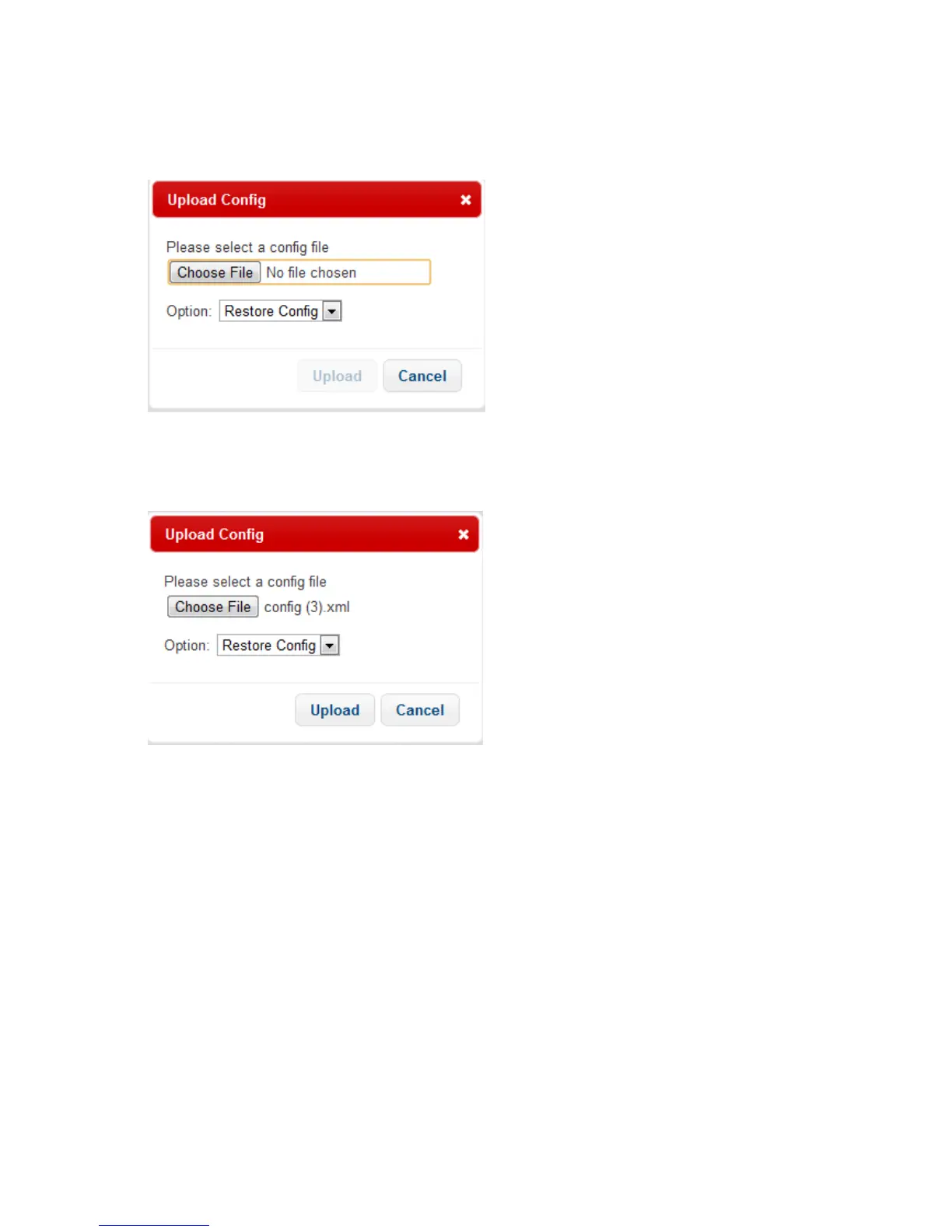
Pressing the Upload config option opens the Upload Config pop-up
Click Choose File; a standard Open dialog is launched. In it select the config file you wish to upload.
Once you’ve chosen a file its name will be displayed next to the Choose File button and the Upload
button will become enabled.
Under Option there are two possibilities:
Restore Config – selecting this option will apply everything from the selected config file to the
unit
New Config – selecting this option will only apply the settings that differ between the selected
config file and the unit’s config file
Click Upload to upload the file to the unit.
3.6.1.6 Reboot
Selecting Reboot will reboot the unit. You will be asked to confirm:



 To Next Page