e1600 User Manual, Issue 1 © Synectic Systems Group Ltd 2012. All Rights Reserved
Specifications subject to change. E&OE Page 41
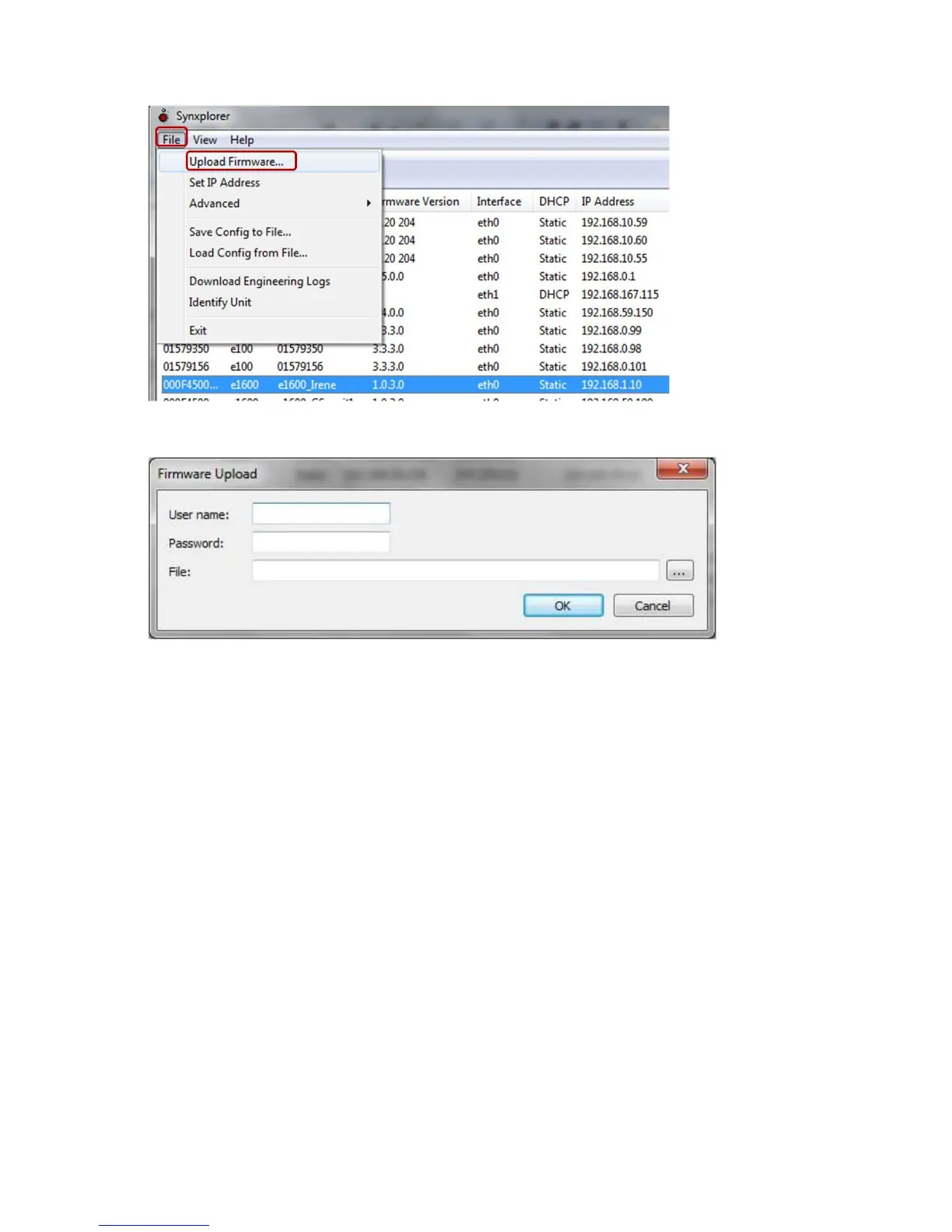
The Firmware Upload dialog pictured below is displayed.
Type in the User name and Password for the unit(s) and then browse to the upgrade file. Once you
have selected it click OK and the Upgrade process will begin.
Note that simultaneous upgrade is only possible for units which have the same user name and
password.
You can save a unit’s config file by selecting the unit and then selecting File and Save Config to File
from the context menu.



 To Next Page