e1600 User Manual, Issue 1 © Synectic Systems Group Ltd 2012. All Rights Reserved
Specifications subject to change. E&OE Page 56
Enter the IP address of the PSN you wish to add and click OK.
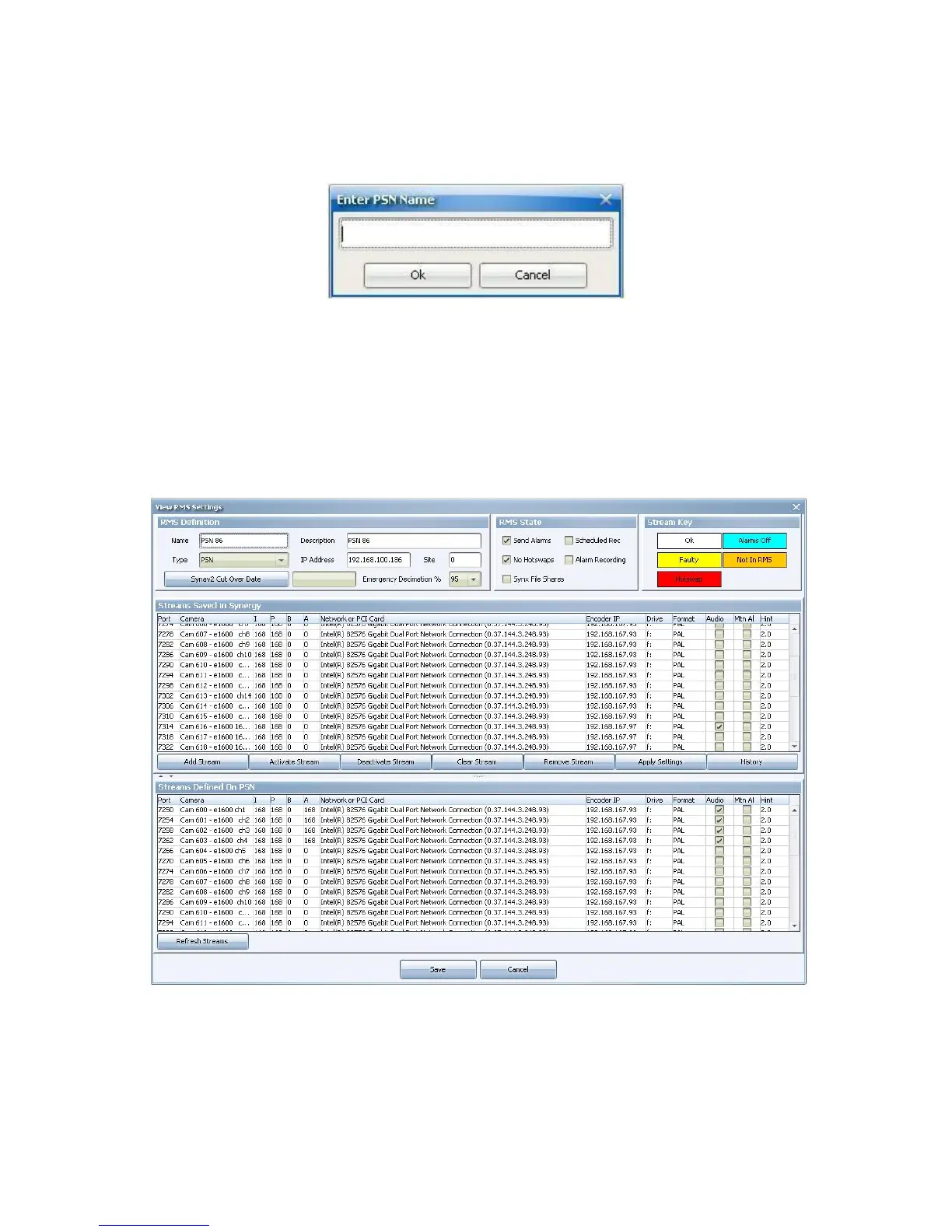
The Enter PSN Name dialog is shown:
Enter a name for the PSN and click OK.
In the Earliest Port on Encoder(s) dialog enter the first port to be used in RMS.
The entry for Total Number of Ports depends on the number of units you are adding; you have to
allow 16 ports per unit.
The View RMS Settings dialog is launched:
There are two lists here: one for the Streams Saved in Synergy and one for Streams Defined on
Chunker. If the e1600 units have already been setup in RMS the RMS settings from the PSN will be
picked up and the lists will be populated with them.



 To Next Page