TAC AB, 1998-10-23 0-004-7614-0 (GB), 3:3 (6)
TAC 2413 Handbook Using the operator’s panel
3.2.2 Operating modes
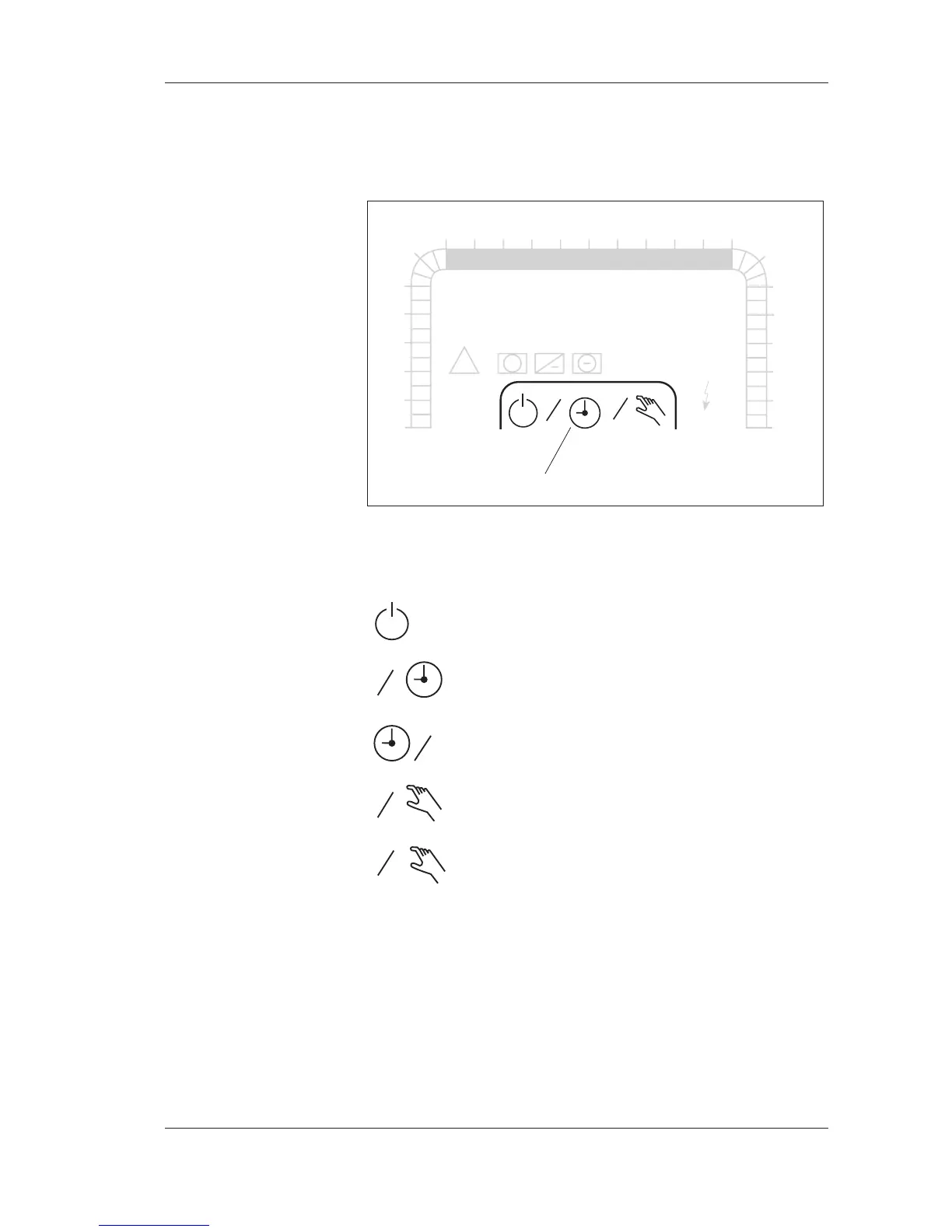
The different operating modes of the controller are shown in the
display window by means of the symbols below.
The symbols of the operating modes of the controller
The symbols are interpreted as follows:
Off
1
2
Timed one speed operation/halv speed operation
1
1
Timed full speed operation
1
2
Manual control, one speed operation/half speed operation
Manual control, full speed operation
A flashing hand and the 1/2 speed or 1/1 speed symbol denotes
manual control by means of an external contact (X1, X2).
You may find information on how to set the operating mode in
Chapter 4, in the section Setting the weekly program for timed
operation. For a more detailed explanation of the operating mo-
des, please refer to Chapter 7, and more specifically the section
Operating modes of the controller.
1
1
1
1
1
2
1
2
3
4
5
6
78910 121314151617
18
0
23
22
21
20
19
24
TF
TU WE TH FR SA
°C
12:00
P 00
MO
11
FF
Dx
Pv
Pk
!
+
+
%
SU
Operating mode



 To Next Page