3:4 (6), 0-004-7614-0 (GB) TAC AB, 1998-10-23
TAC 2413 Handbook Using the operator’s panel
3.2.3 Weekly program
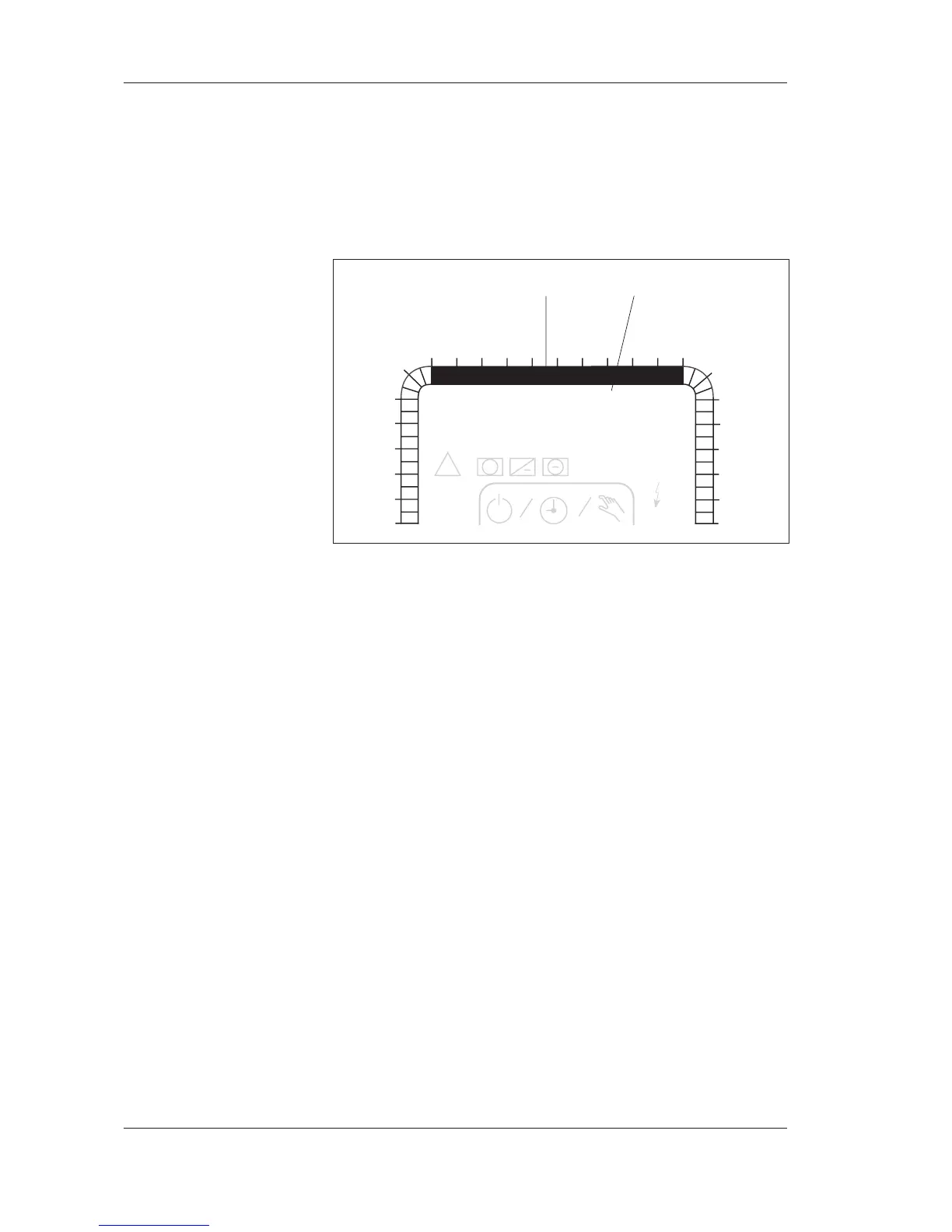
The weekly program is shown as a 24 hour time bar from 00:00 to
24:00 for each day of the week. The part of the bar that is filled
shows when daytime operation applies.
The symbols of the weekly program
Each field in the time bar represents 30 minutes. If the field is fil-
led, the AHU is in operation. An empty field means that the AHU
is not running.
Below the time bar, you will find the days of the week. They
show which day of the week the time bar applies to.
• MO: Monday
• TU : Tuesday
• WE: Wednesday
• TH : Thursday
• FR : Friday
• SA : Saturday
• SU : Sunday
How to set a weekly program is described in Chapter 4, in the sec-
tion Setting weekly programs for timed operation. For more in-
formation on time schedules, please refer to the section Time
schedules in Chapter 7.
1
1
1
2
1
2
3
4
5
6
78910 121314151617
18
0
23
22
21
20
19
24
TF
TU WE TH FR SA
°C
12:00
P 00
MO
11
FF
Dx
Pv
Pk
!
+
+
%
SU
24 hour time bar days of the week



 To Next Page