4:6 (6), 0-004-7614-0 (SE) TAC AB, 1998-10-23
TAC 2413 Handbook Day-to-day usage
Chosen mode Symbols in the display window
Timed operation , and depending on the time schedule,
1
1
or
1
2
.
Manual control
1
2
(one speed operation) or
1
1
with .
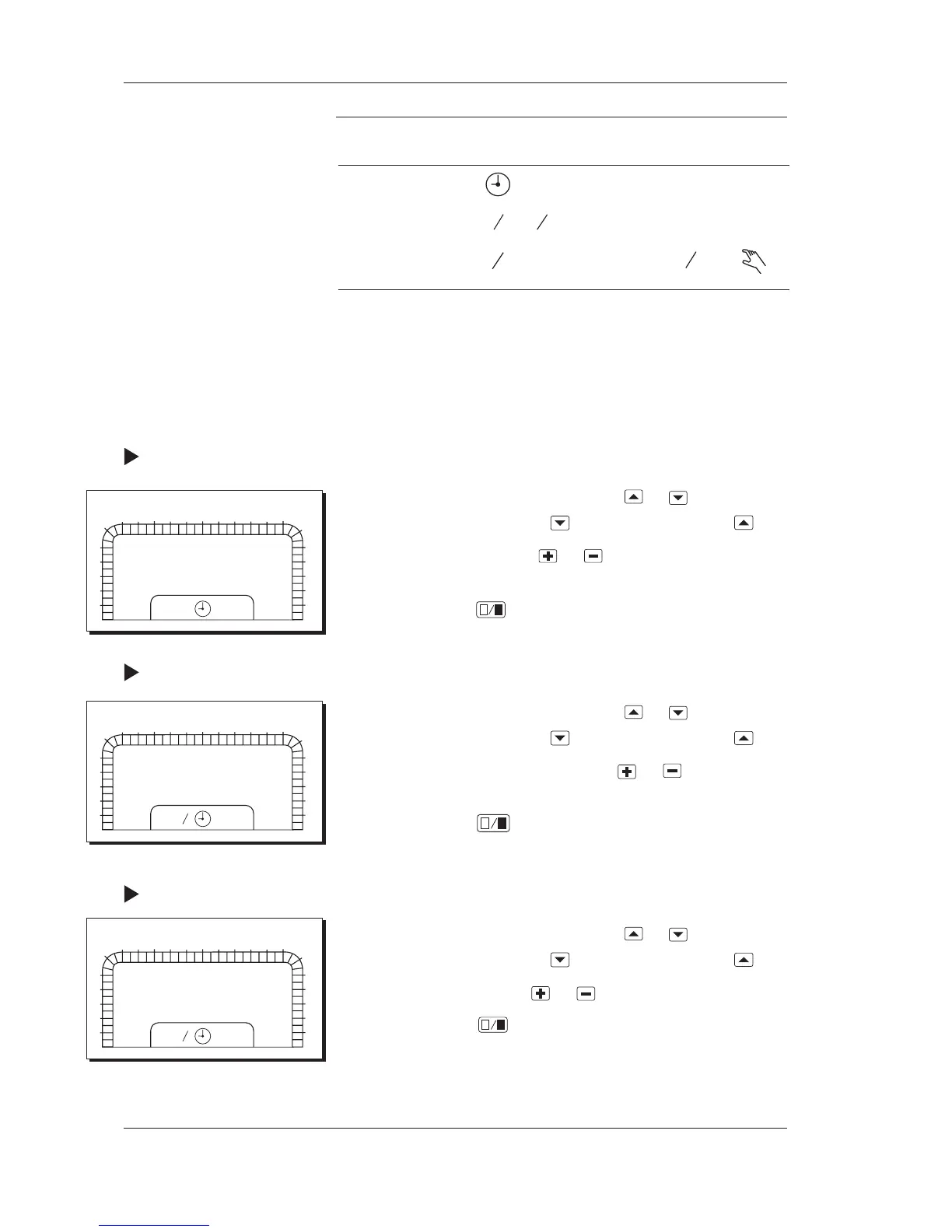
4.7 Setting the clock
To show the current time, choose parameter number P 00 (it is
normally shown). The clock must be set after a power failure
which has lasted longer than 48 hours. For more information on
the clock, please refer to the section Clock in Chapter 7.
Procedure for setting the clock:
1 Choose parameter number P 96 by using
or . The parameter
number is increased by using and decreased by using .
2 Change the clock by using
or . Hold the button down
for fast increase/decrease.
3 Confirm by using
.
Procedure for setting the date:
1 Choose parameter number P 97 by using
or . The parameter
number is increased by using
and decreased by using .
2 Change the date (month.day) by using or . Hold the
button down for fast increase/decrease.
3 Confirm by using
.
Procedure for setting the year:
1 Choose parameter number P 98 by using
or . The parameter
number is increased by using
and decreased by using .
2 Change the year by using or .
3 Confirm by using
.
Days of the week are calculated automatically by the controller
and therefore they do not need to be set.
0
1
2
3
4
5
6
78
9
10
11
12 13 14 15
16 17
18
19
20
21
22
23
24
1
2
P:97
01.01
0
1
2
3
4
5
6
78
9
10
11
12 13 14 15
16 17
18
19
20
21
22
23
24
1
2
P:96
12:34
0
1
2
3
4
5
6
78
9
10
11
12 13 14 15
16 17
18
19
20
21
22
23
24
1
2
P:98
1998



 To Next Page