TAC AB, 1998-10-23 0-004-7614-0 (GB), 4:5 (6)
TAC 2413 Handbook Day-to-day usage
4.5 Reading and resetting alarms
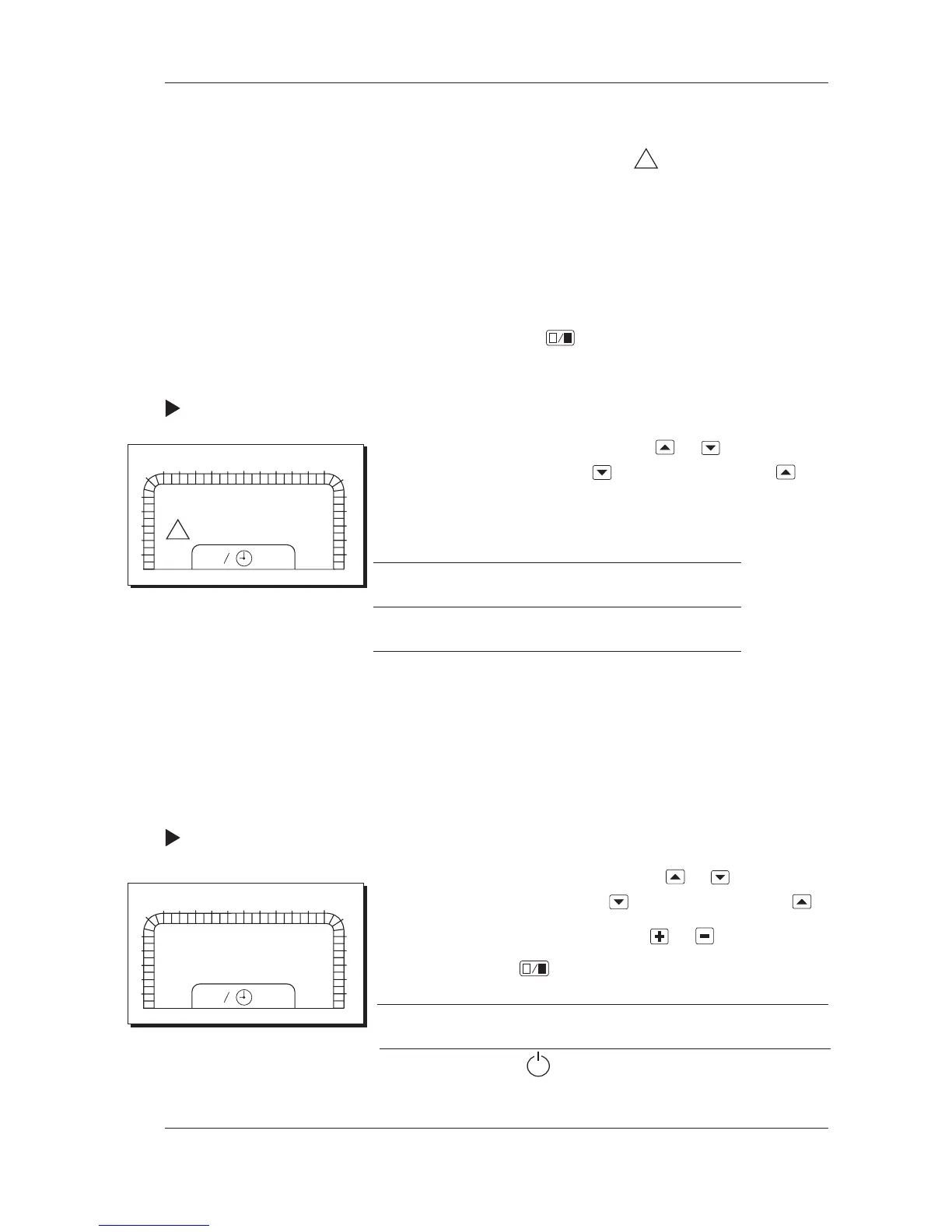
When an alarm is tripped, the symbol
!
will flash together with
the symbol that the alarm is referring to. There are two types of
alarms, A alarms and B alarms. Some alarms offer the opportun-
ity of being tripped as A alarms or B alarms. Please refer to the
parameter list for information on which possibilities exist for the
different alarms. A alarms have to be reset manually and always
activate the sum alarm. B alarms are reset automatically, and
there is a choice of whether the sum alarm is to be activated or
not. When the alarm condition is gone, the reset is done by
pressing the enter button
, upon which the AHU is restarted.
Please refer to the section Alarms in Chapter 7 for more informa-
tion.
Procedure for reading alarms:
1 Choose the parameter number by using
or . The parameter
number is increased by using and decreased by using .
2 Hold the button down for fast increase/decrease.
3 Read the value. 1=ALARM, 0=NO ALARM
Parameter P No.
Fire alarm tripped P 78
4.6 Choosing the operating mode
The controller normally runs on timed operation, that is the
weekly or holiday programs decide whether the AHU is to be on
or off. The controller may also be set to other operating modes.
For more information on operating modes, please refer to the sec-
tion The operating modes of the controller in Chapter 7.
Procedure for choosing the operating mode:
1 Choose parameter number P 00 by using
or . The paramet-
er number is increased by using and decreased by using .
2 Change the operating mode by using
or .
3 Confirm by using
.
Chosen mode Symbols in the display window
Off
0
1
2
3
4
5
6
78
9
10
11
12 13 14 15
16 17
18
19
20
21
22
23
24
1
2
P:78
1 °C
!
0
1
2
3
4
5
6
78
9
10
11
12 13 14 15
16 17
18
19
20
21
22
23
24
1
2
P:00
(continued on the next page)



 To Next Page