TAC AB, 1998-10-23 0-004-7614-0 (GB), 4:3 (6)
TAC 2413 Handbook Day-to-day usage
Parameter P No.
Weekly program 1/2 speed P 12
4.4.2 Weekly program 1/1 speed
For 1/1 speed to take effect, the weekly programs for both 1/2
speed and 1/1 speed operation have to be active. The 1/1 speed
program is not set on delivery.
Procedure for setting the weekly program:
1 Make sure that the weekly program for half speed operation
(P12) is set.
2 Choose parameter number P 13 by using
or . The
parameter number is increased by using and decreased by
using .
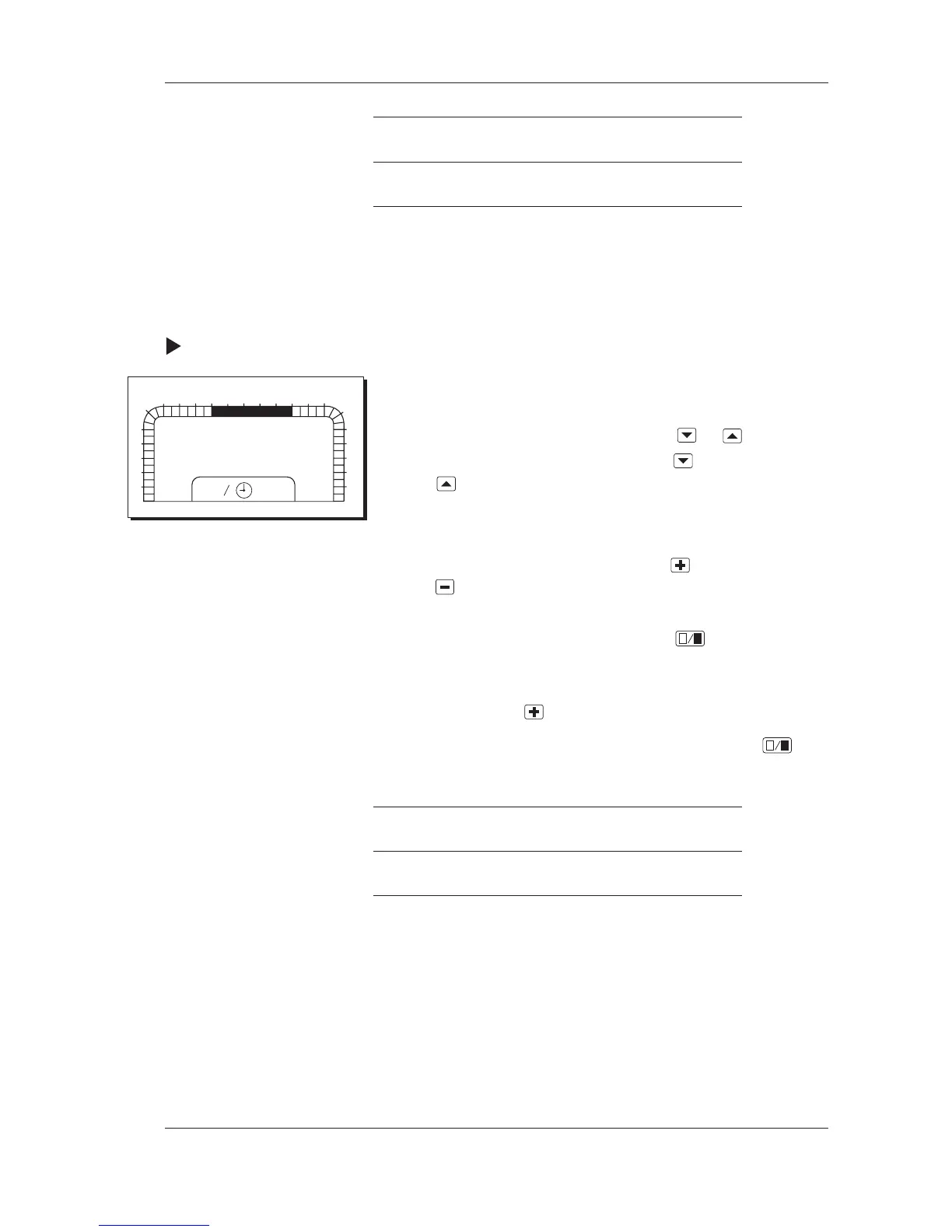
3 When the parameter number has been chosen, the 24-hour
time bar is shown along with MO for Monday.
4 Move forward on the time bar by using
and backward by
using
to the segment which you wish to change. The
segment will flash.
5 Change the half-hour segments by using
. A filled segment
means that 1/1 speed operation will be active. When a
segment has been changed, the next segment will start to flash.
6 Move on by using
until TU for Tuesday is shown.
7 Change the half-hour segments for Tuesday by using
.
8 Repeat steps 5 and 6 for the rest of the days of the week.
Parameter P No.
Weekly program 1/1 speed P 13
4.4.3 Yearly program for holidays
You may use the yearly program to shut down the AHU during
longer periods of time. There are six holiday periods that may be
programmed up to a year in advance. Each holiday period is limi-
ted by a start and stop date, and the 24 hours of the day are affec-
ted. There are no holidays programmed on delivery. For an ex-
planation in detail of time schedules, please refer to the section
Time schedules in Chapter 7.
0
1
2
3
4
5
6
78
9
10
11
12 13 14 15
16 17
18
19
20
21
22
23
24
1
2
P:13
07-17
mo



 To Next Page