3:6 (6), 0-004-7614-0 (GB) TAC AB, 1998-10-23
TAC 2413 Handbook Using the operator’s panel
3.3 How are the buttons used?
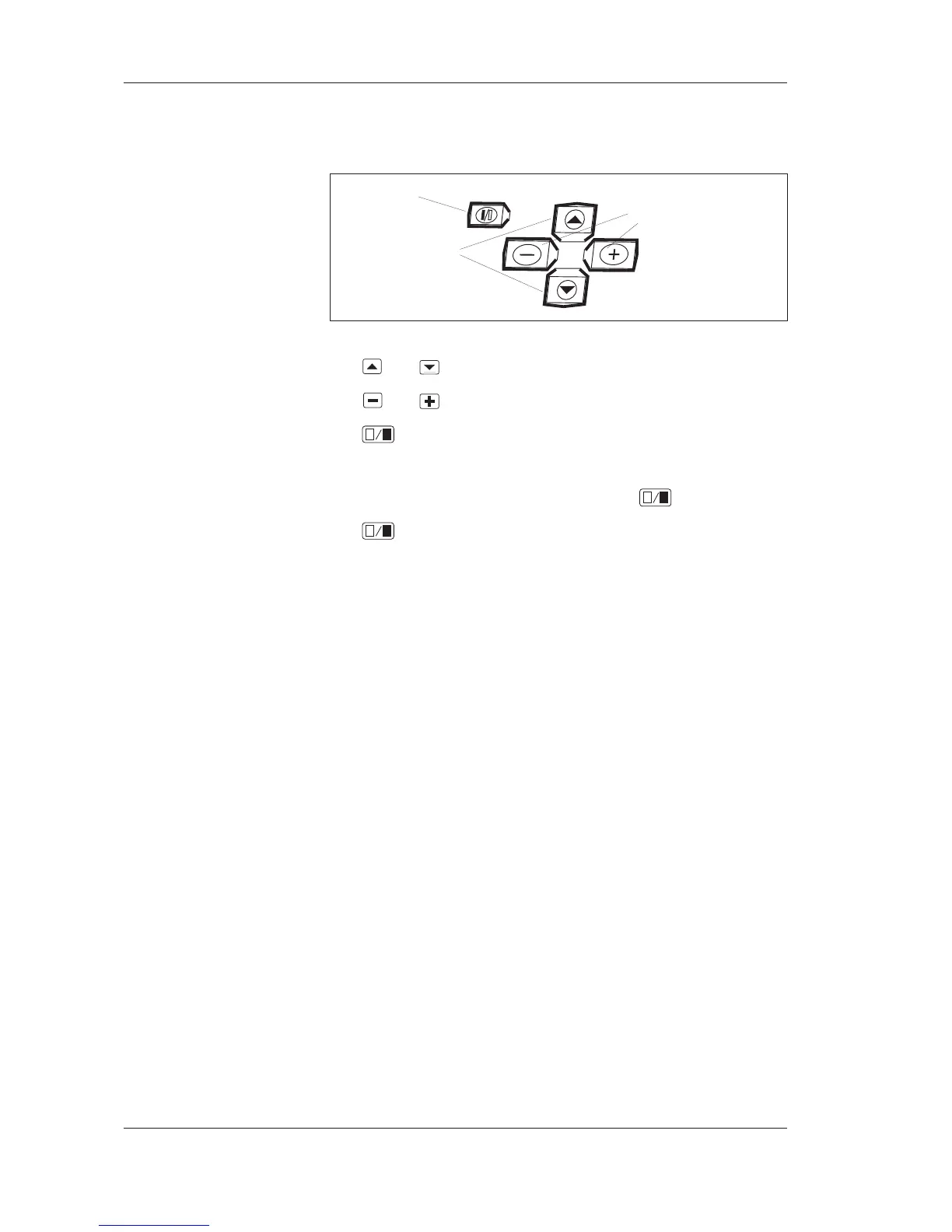
The controller has five buttons located below the display window.
The buttons on the operator’s panel
T he and buttons are used to choose a parameter.
The
and buttons are used to change a parameter value.
The
button is used as an enter button. Each change made to
a parameter must be confirmed with this button if it is to be regis-
tered in the controller. A flashing “P” in the display window will
give you confirmation that you have pressed
.
The
button is also used to alternate between a full and empty
field in the 24 hour time bar.
Enter
button
Choose
parameter
Increase/decrease
parameter value



 To Next Page