4:2 (6), 0-004-7614-0 (SE) TAC AB, 1998-10-23
TAC 2413 Handbook Day-to-day usage
4.3 Setting temperatures
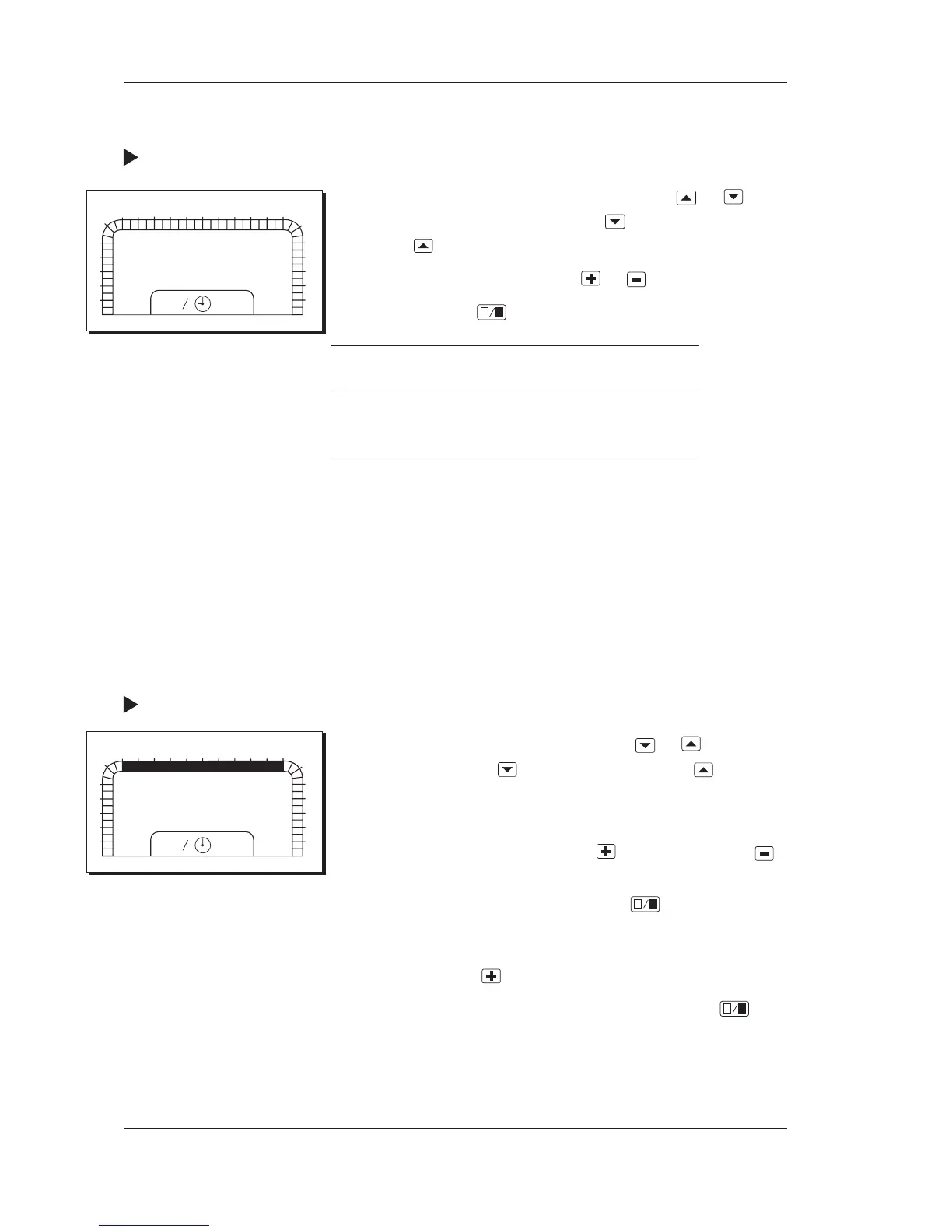
Procedure for setting a temperature:
1 Choose the parameter number (P No.) by using
or . You
can increase the number by pressing
and decrease it by
pressing
.
2 Change the temperature by using
or .
3 Confirm by using
.
Parameter P No.
Heating setpoint P 10
Cooling setpoint P 11
4.4 Setting weekly programs for timed operation
4.4.1 Weekly program one speed operation, 1/2 speed operation
The controller is factory set so that the AHU is in operation
07.00–17.00 on Monday to Friday according to this weekly pro-
gram. For an explanation in detail of time schedules, please refer
to the section Time schedules in Chapter 7.
Procedure for changing the weekly program:
1 Choose parameter number P 12 by using
or . Increase
the number by using
and decrease it by using .
2 When the parameter number has been chosen, the 24-hour
time bar is shown along with MO for Monday.
3 Move forward on the time bar with
and backward with
to the segment which is to be changed. The segment will flash.
4 Change the half-hour segments by using
. A filled
segment means that the AHU is in operation. When one
segment has been changed, the next segment starts to flash.
5 Move on by using
until TU for Tuesday is shown.
6 Change the half-hour segments for Tuesday by using
.
7 Repeat steps 5 and 6 for the rest of the days of the week.
0
1
2
3
4
5
6
78
9
10
11
12 13 14 15
16 17
18
19
20
21
22
23
24
1
2
P:10
20.0 °C
0
1
2
3
4
5
6
78
9
10
11
12 13 14 15
16 17
18
19
20
21
22
23
24
1
2
P:12
07-17
mo



 To Next Page