4:4 (6), 0-004-7614-0 (SE) TAC AB, 1998-10-23
TAC 2413 Handbook Day-to-day usage
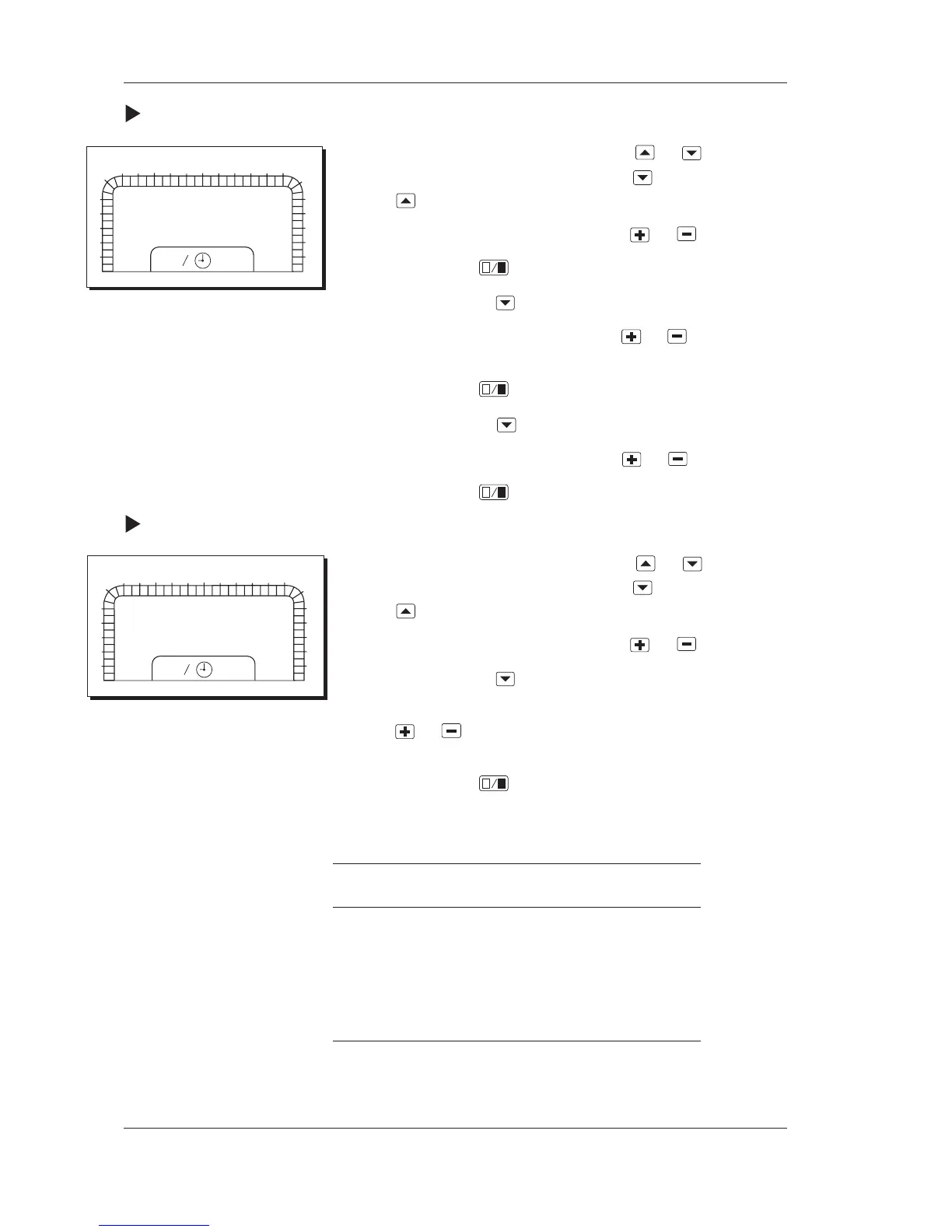
Procedure for setting a holiday period:
1 Choose parameter number P 15 by using
or . The
parameter number is increased by using and decreased by
using .
2 Choose a holiday period (1–6) by using
or .
3 Confirm by using
.
4 Go to P 16 by using
.
5 Set the start date (month.day) by using
or . Hold the
button down for fast increase/decrease.
6 Confirm by using
.
7 Go to P 17 by using
.
8 Set the stop date (month.day) by using
or .
9 Confirm by using
.
Procedure for deleting a holiday period:
1 Choose parameter number P 15 by using
or . The
parameter number is increased by using
and decreased by
using
.
2 Choose a holiday period (1–6) by using
or .
3 Go to P 16 by using
.
4 Change the start date to day 0 of the month (month.00) by
using
or . Hold the button down for fast increase/
decrease.
5 Confirm by using
.
You may also set the stop date to day 0 if you wish to delete a
holiday period.
Parameter P No.
Yearly program, choice of holiday period 1–6
P 15
Start of holiday. Start date of holiday period
as per above. P 16
End of holiday. Stop date of holiday period
as per above. P 17
0
1
2
3
4
5
6
78
9
10
11
12 13 14 15
16 17
18
19
20
21
22
23
24
1
2
P:15
1
0
1
2
3
4
5
6
78
9
10
11
12 13 14 15
16 17
18
19
20
21
22
23
24
1
2
P:16
01:00



 To Next Page