CHAPTER 5 EMBROIDERY SETTING
37
4. INSERTION OF NEEDLE BAR STEP
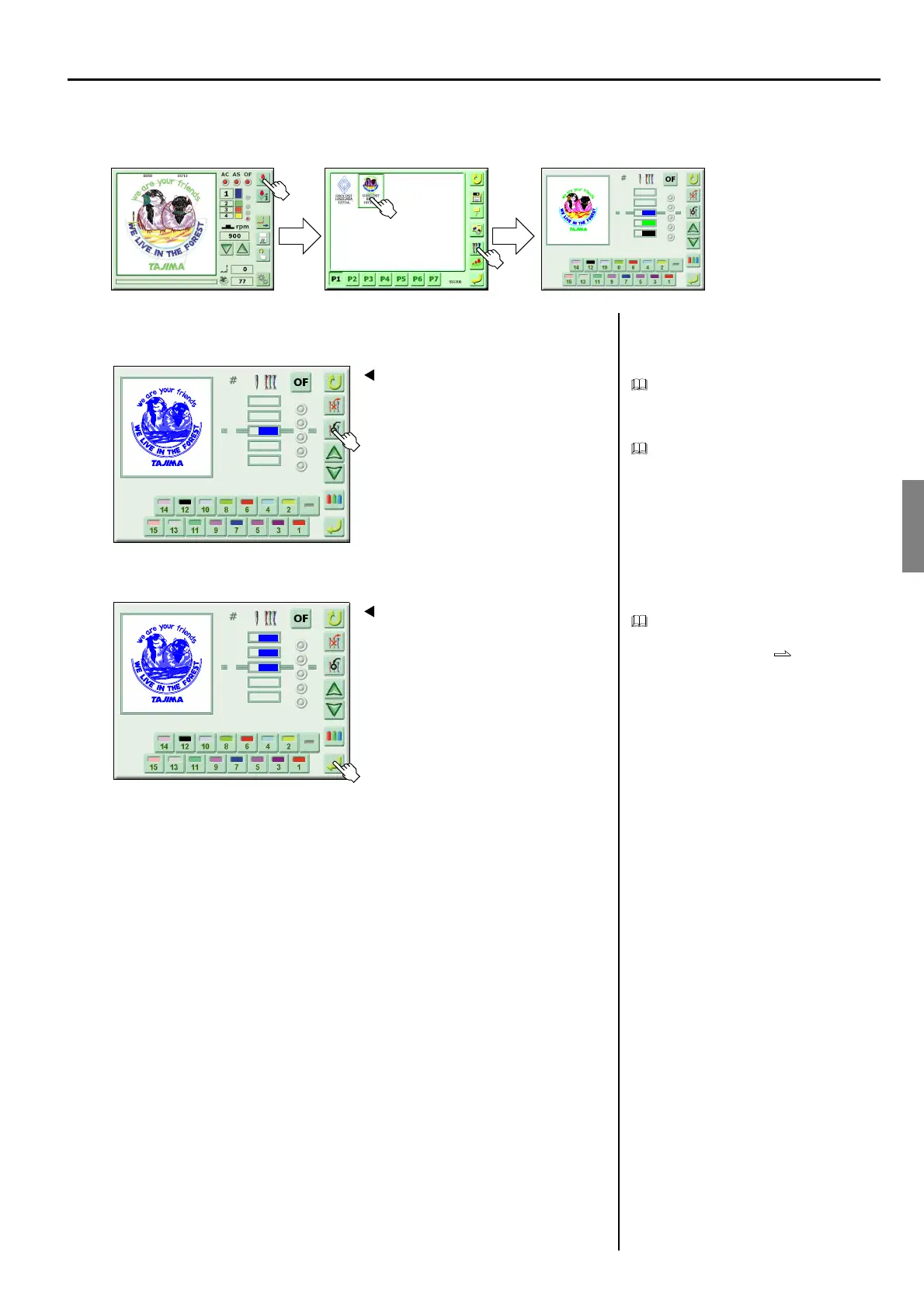
<How to call the screen>
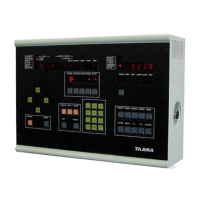
1. Insert the needle bar step
Insertion will copy the needle bar step being
selected to insert.
It is possible to perform insertion up to the
number of steps set in the stitch data.
2. Register
Change the inserted needle bar step to the
needle number you desire.
Change of needle bar p.35
(GC02)
Select the design to be set
1
2
3
7
8
12
1
Screen 5000
1 7
2
Screen 5000
5 7
3
4
7
7



 To Next Page