CHAPTER 7 MANUAL OPERATION
77
12. MANUAL COLOR CHANGE (SCREEN 1300)
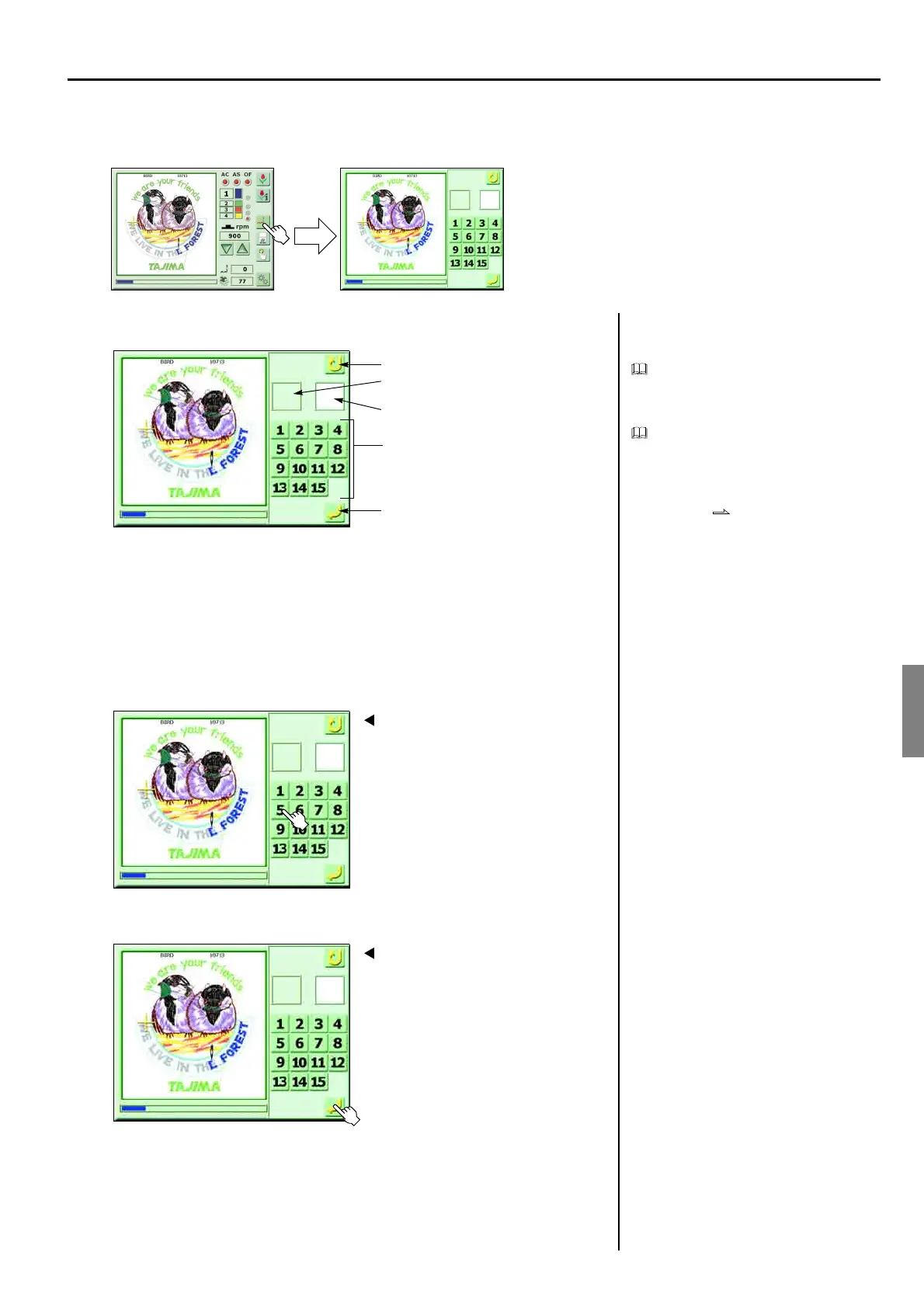
<How to call the screen>
EXPLANATION ON THE SCREEN
Manual color change can change needle bar
at embroidering without changing needle bar
setting.
When performing manual color change, set
the parameter “1. Auto Color Change” to
“No”. When “Yes” is set, needle bar will
return to the original needle bar at start of
embroidery even if performing manual color
change. p.81
1. Select the needle bar to change
2. Execute
(GC07)
11
71
Previous state
Execute
The target needle bar number to change
The needle bar number being used
Needle bar number
Color Change
Screen 1200
1
11
Color Change
Screen 1200
2
51
Color Change



 To Next Page