5-8
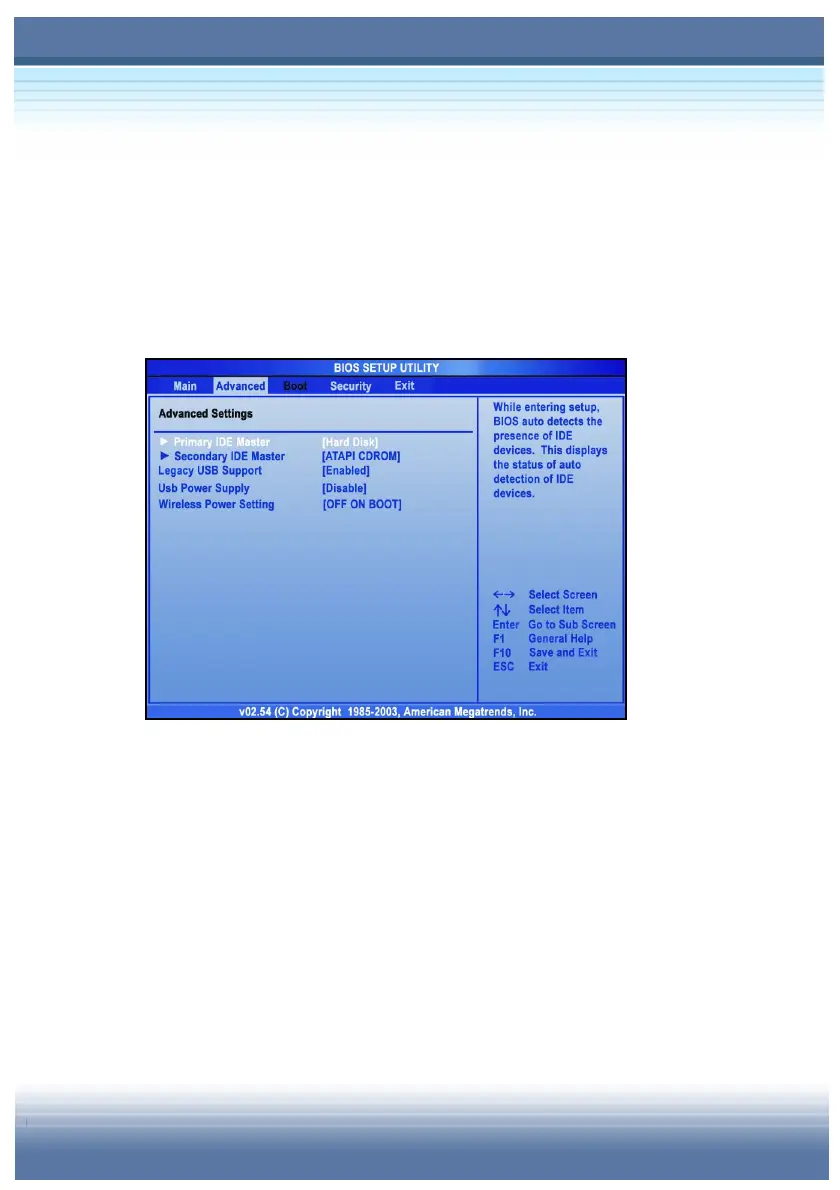
Advanced Settings
The Advanced menu contains IDE configuration, USB support and
CPU settings.
y Primary and Secondary IDE Master
The two items display the types of the primary and secondary IDE
devices installed in the computer. Press [Enter] to bring up a
window showing the detailed information of the device, including the
device name, vendor, LBA mode PIO mode and more.



 To Next Page