2-10
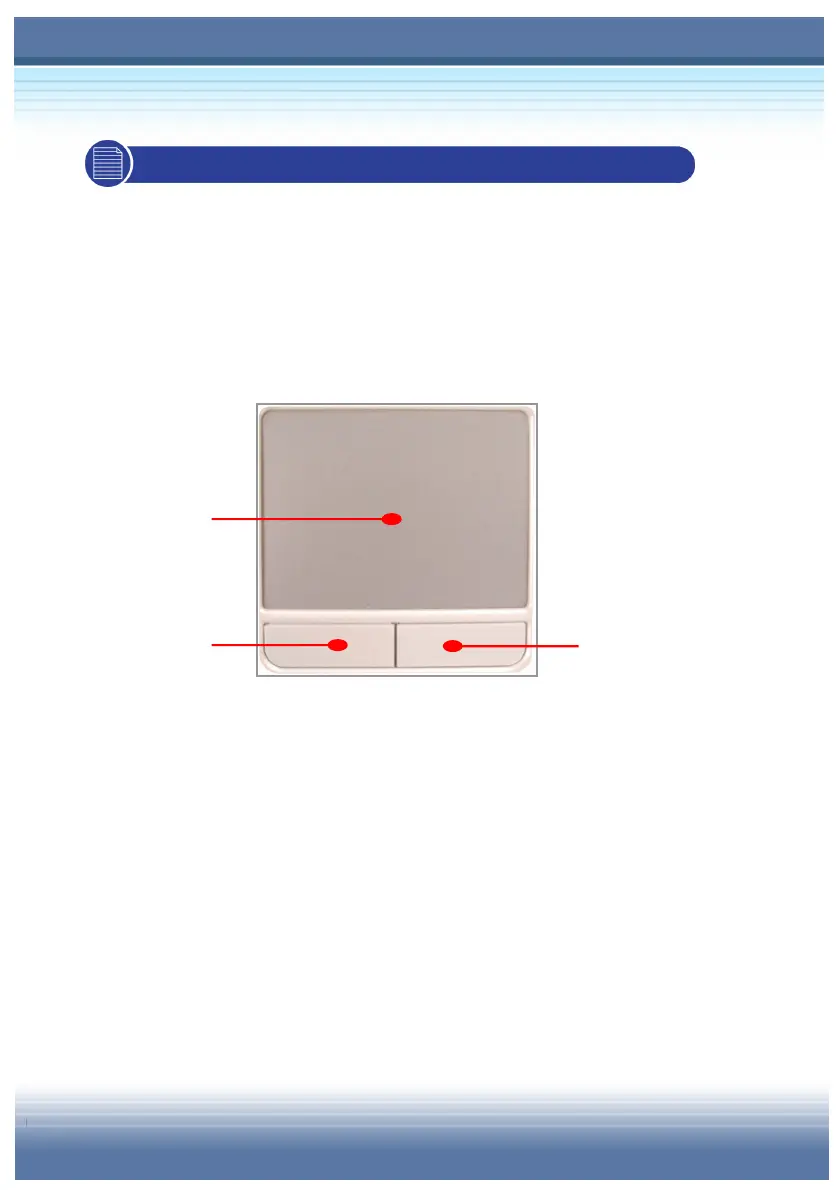
2.4 Knowing the Touchpad
The touchpad integrated in your computer is a pointing device that
compatible with standard mouse, allowing you to control the
computer by pointing the location of the cursor on the screen and
making selection with its two buttons.
Cursor Movement Area
This pressure-sensitive area of the touchpad, allows you to
place your finger on it and control the cursor on the screen by
moving your finger.
Left Button
Acts as the mouse’s left button.
Right Button
Acts as the mouse’s right button.



 To Next Page