3-23
Nero StartSmart
After clicking the Nero StartSmart icon on the “Run Setup Screen”
and finishing installation, it appears an icon (
) on your desktop.
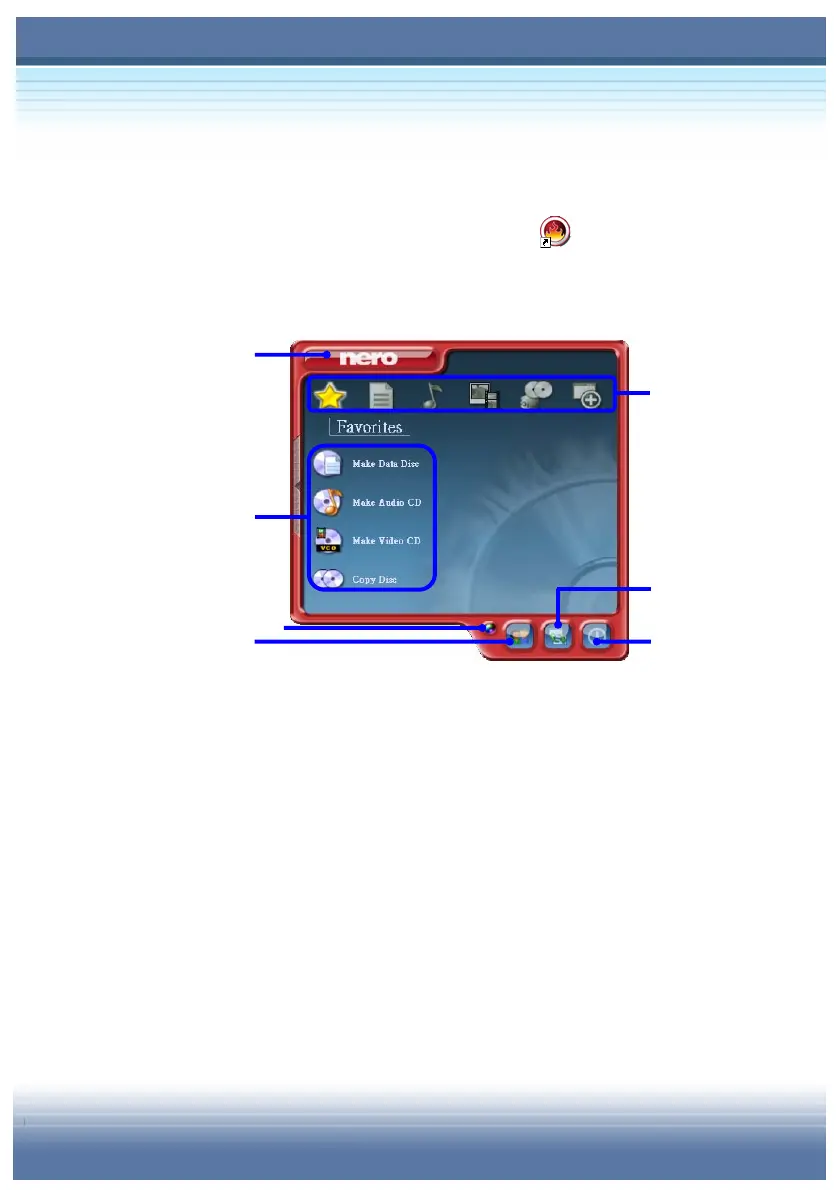
Click on it to start Nero StartSmart. The main screen shows as
below:
Nero Update
Click on “nero” button and it will bring you the screen of Nero
ProductCenter. You can see information about Installed Version
and Latest Available Version and can link to Nero Website to
see more information. The check box of “Automatically check
for updates” is checked by default and the duration of running
update can be defined by yourself. You can also check the
update whenever you want by click “Check now” button. There
is date of Last check showed on the screen also. Click again on
the “nero” button will bring you back to the main menu.



 To Next Page