7-3
1. Remember the passwords once they are set. If,
unfortunately, you forgot the passwords, please contact
your local dealer for assistance.
2. You are recommended to set up the passwords, it can
protect your computer from being used by unauthorized
users.
We Reminds Yo
…
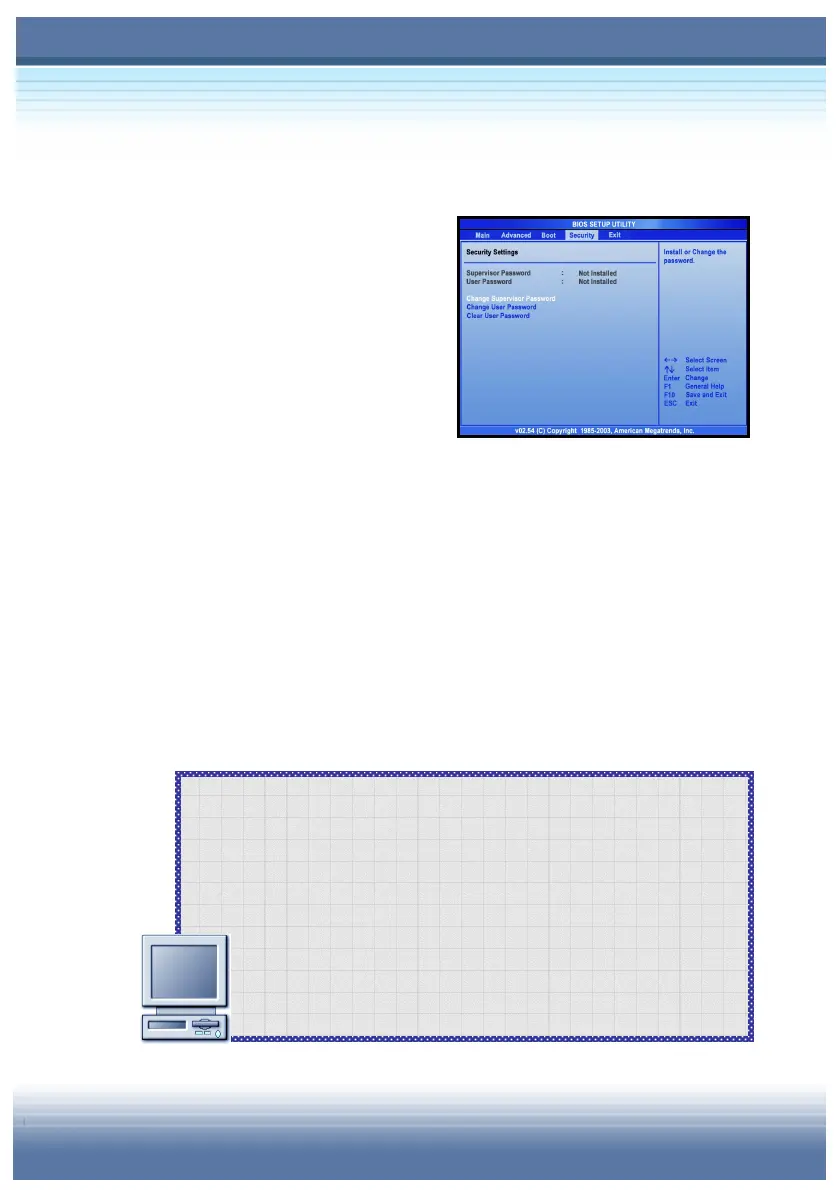
Setting Up Password
Power-on Password
You can protect your computer
from unauthorized use by setting
up a boot password. Once the
boot password is set, it will bring
up a dialog box requesting for
the password whenever the computer is turned on.
Operating System Password
In addition to the boot password, you can also set up the password
in the operating system, such as the login password and screen
saver password. Once the login password is set, it will ask you to
enter the user name and password when logging in Windows.
For more information on setting the system password, please refer
to the manual or online help of your operating system.



 To Next Page