3-6
3.3 Using the Utility CD
Trend Micro™ Internet Security
Trend Micro Internet Security provides you a friendly interface to use
anti-virus functions. You can use Trend Micro™ Internet Security
to scan your e-mail, block unwanted websites and protect your PC
from virus infected.
Registering Trend Micro™ Internet Security
It is better to register your software before starting to use. After
registration, you can get the full functionality of the software,
real-time updates, technical support and product updates.
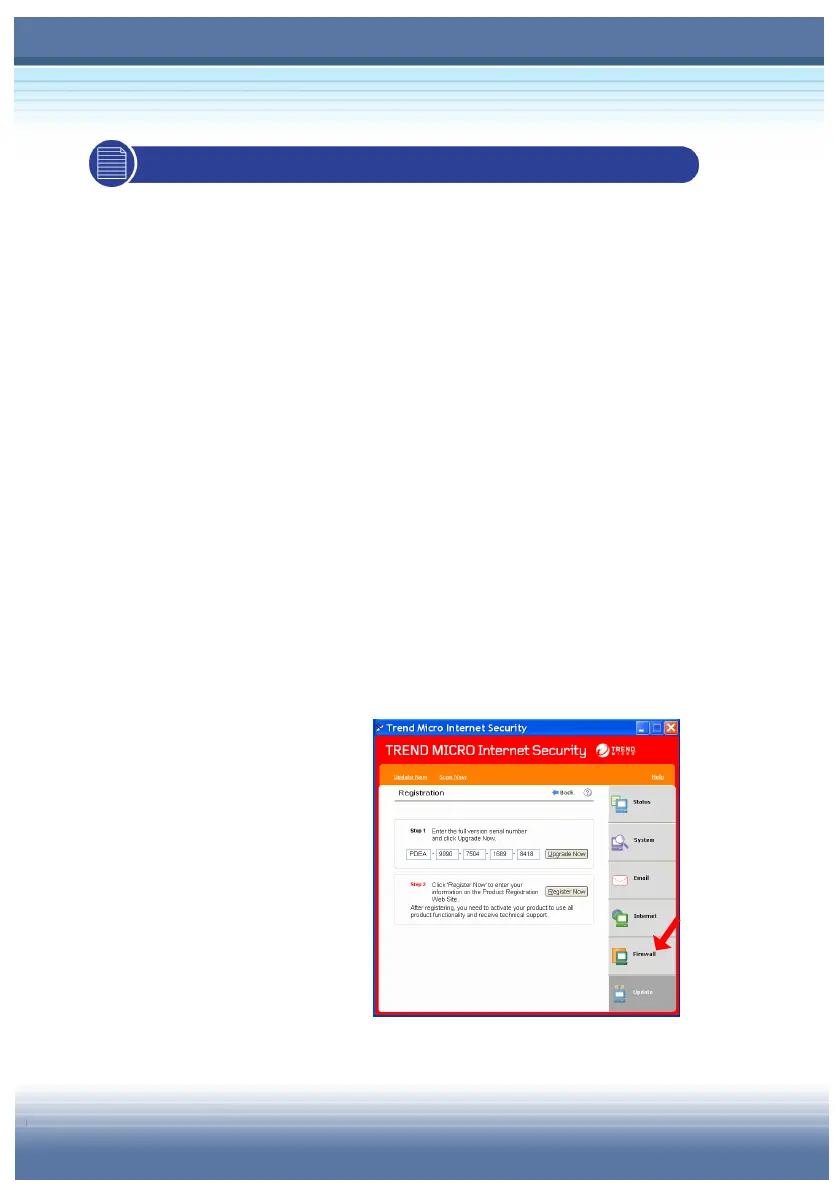
To register your software:
On the Trend Micro Internet Security main window, click “Update” Æ
“Registration”.
Confirm that your full version
serial number already exists
and click Register Now.
In the appropriate fields on
the Register Web page, type
your name and email
address and other required
information.
Click Preview. Confirm the information you entered is correct.



 To Next Page