6-10
3. Do not hold the “golden finger” when installing the PC
card; otherwise, it may cause interference or damage to
the PC card.
4. Before removing the PC card, you should stop the
device in Windows operating system.
We Reminds Yo
…
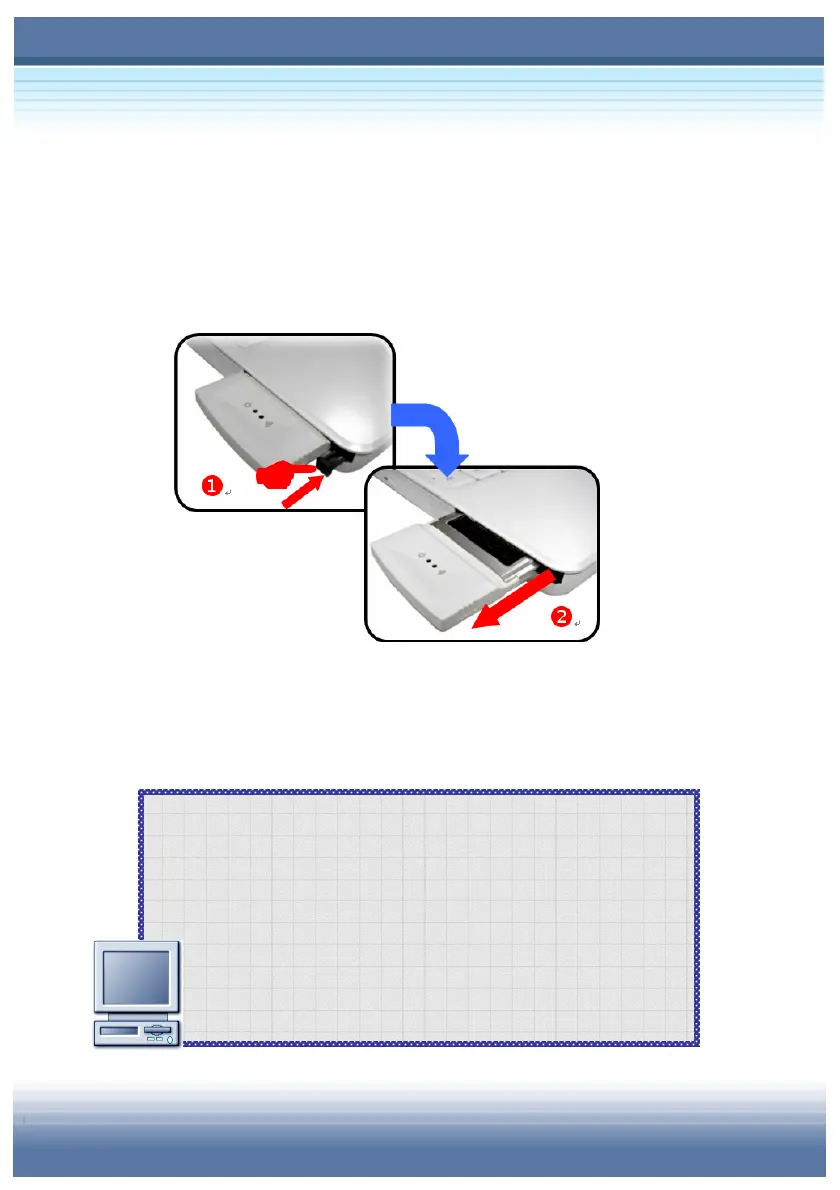
Removing the PC card
1. Press the Eject Button to make it stretch out.
2. Push the Eject Button (
) and the PC card will slide out. Pull
it out of the slot ().



 To Next Page