2-8
Function Keys
Windows Keys
You can find the Windows Logo key ( ) and one Application Logo
key ( ) on the keyboard, which are used to perform
Windows-specific functions, such as opening the Start menu and
launching the shortcut menu. For more information of the two keys,
please refer to your Windows manual or online help.
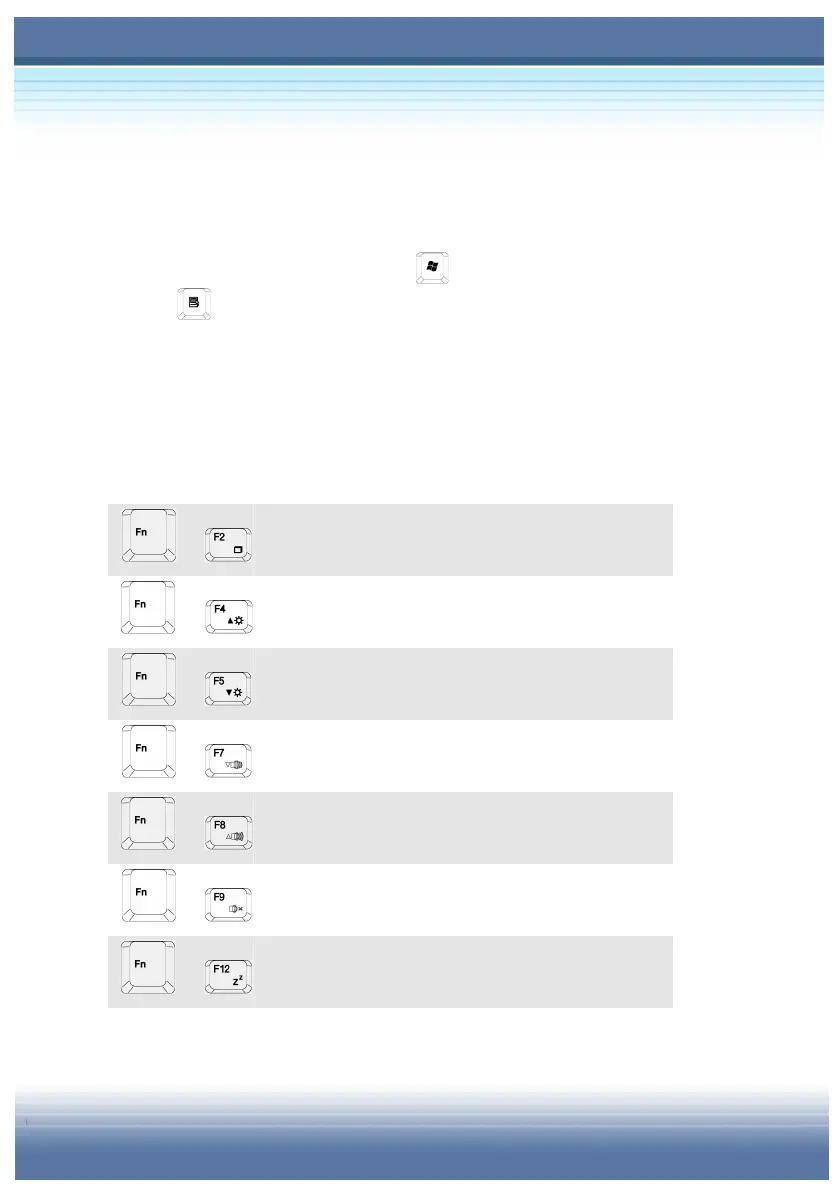
[Fn] Key
+
Switch the display output mode between the
LCD, external monitor and Both.
+
Increase the LCD brightness.
+
Decrease the LCD brightness.
+
Decrease the built-in speaker’s volume.
+
Increase the built-in speaker’s volume.
+
Disable the computer’s audio function.
+
Force the computer into suspend mode
(depending on the system configuration).



 To Next Page