2-18
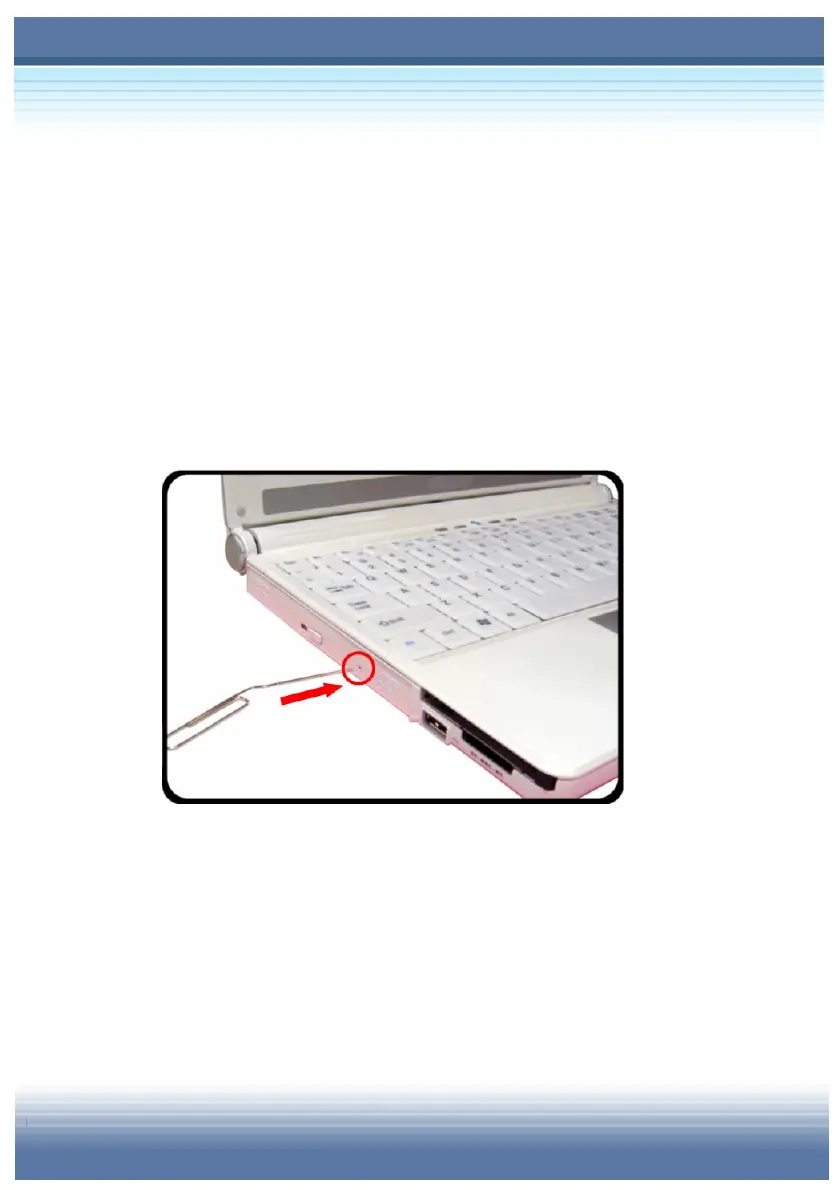
Releasing the CD Manually
If the CD tray can not be open as usual, you can release it manually.
1. Confirm that the computer is turned off.
2. Insert a pointed object (e.g. a straightened clip) into the
Emergency Eject Hole (
) and the CD tray will slide out
partially. Gently pull the tray out until fully extended ().
3. Remove the CD and push the tray back into the drive.



 To Next Page