1-10
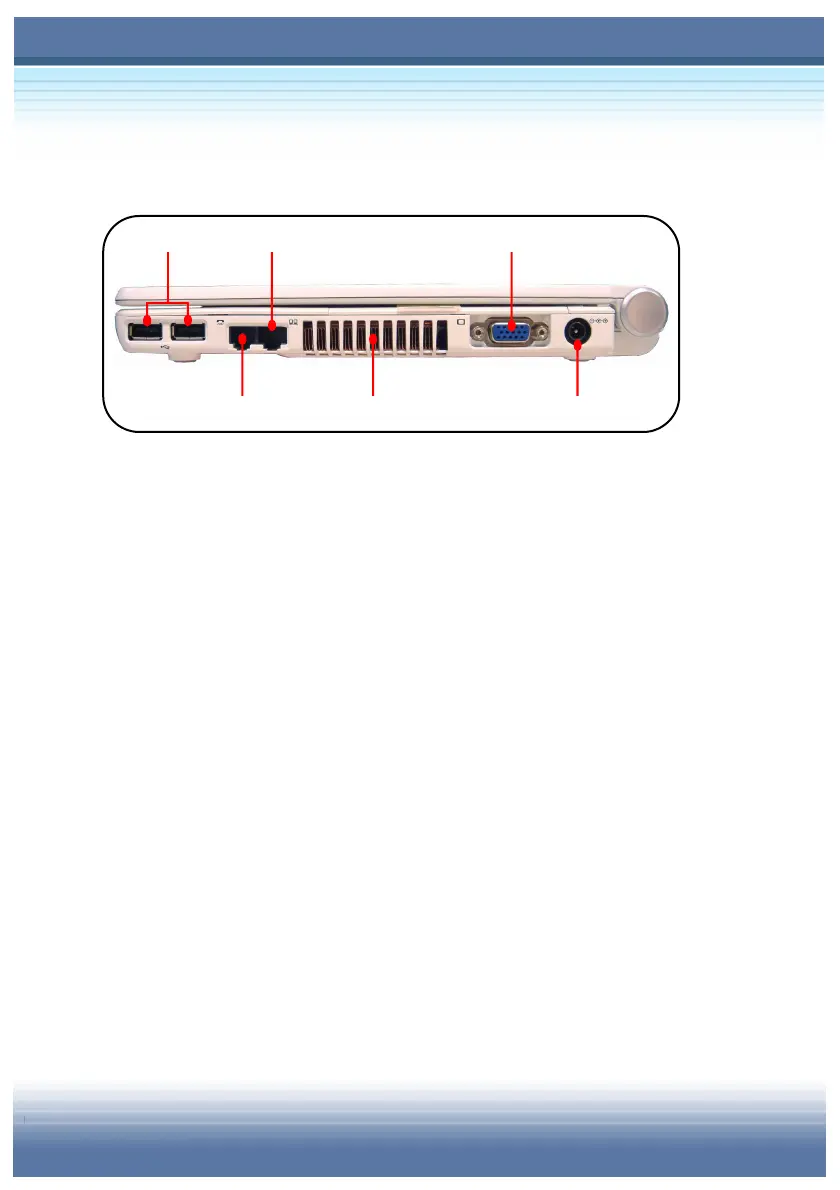
Right-side View
USB Port
The USB 2.0 port allows you to connect USB-interface
peripheral devices, such as the mouse, keyboard, modem,
portable hard disk module, printer and more.
RJ-11 Connector
The computer provides a built-in modem that allows you to
connect an FJ-11 telephone line through this connector. With
the 56K V.90 modem, you can make a dial-up connection.
RJ-45 Connector
The 100/10 Ethernet connector is used to connect a LAN cable
for network connection.
Ventilator
The ventilator is designed to cool the system. DO NOT block
the ventilator for air circulation.



 To Next Page