6-9
Installing the PC Card
The PC card slot of your computer allows you to install
comprehensive Type-II PC cards that support various functions for
your necessary, including the LAN/WLAN card, modem card and
memory card.
The following instruction provides you with a basic installation for the
PC card, including how to install and remove it. For more
information, please refer to the manual of your PC card.
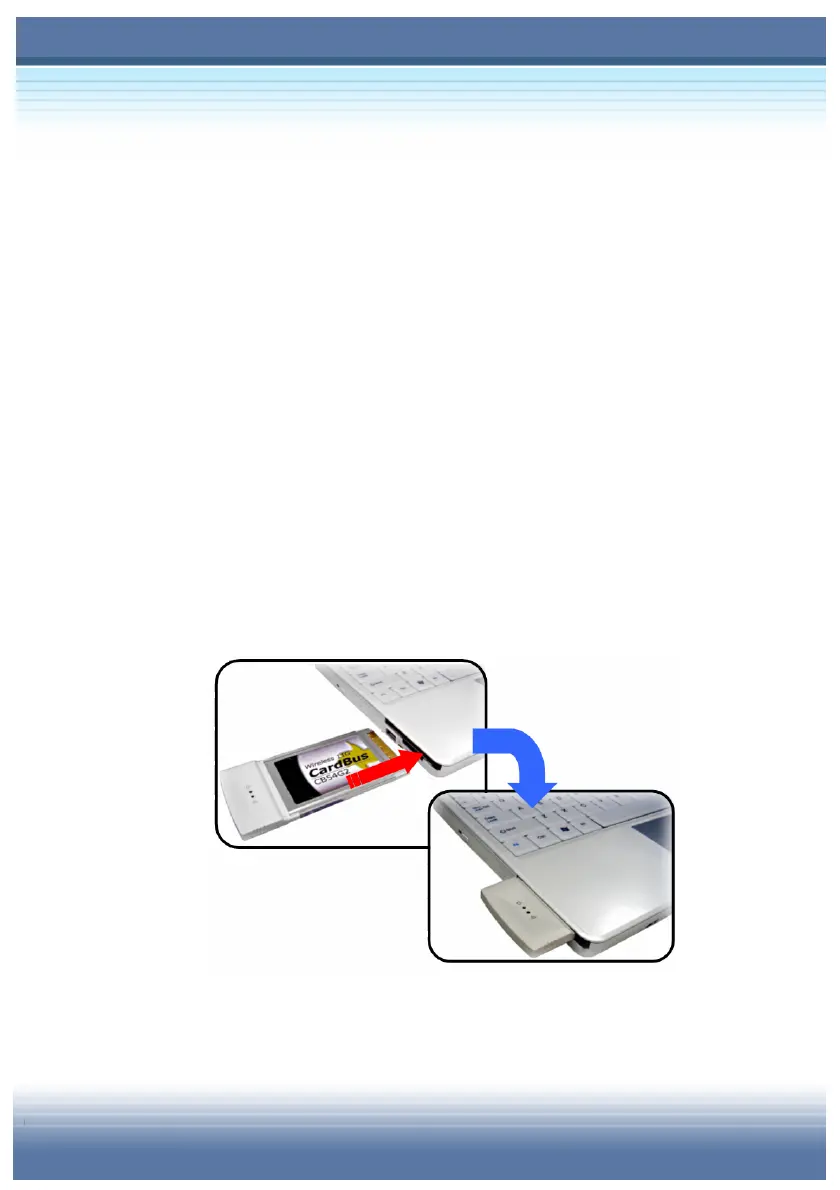
Installing the PC card
1. Locate the PC card slot on your notebook computer. If there is
the dummy card in the slot, remove it first.
2. Insert the PC card into the slot (usually with its label facing up)
and push it until it is firmly seated.



 To Next Page