3-7
Click Submit. Make sure the email address for your User ID is
correct and enter a password.
Confirm the password is correct, and click Submit. Your license
key is displayed and a confirmation email is sent to User ID email
address.
Starting Trend Micro™ Internet Security
When you turn on the computer and login the system, Trend Micro™
Internet Security is automatically launched and shows an icon (
)
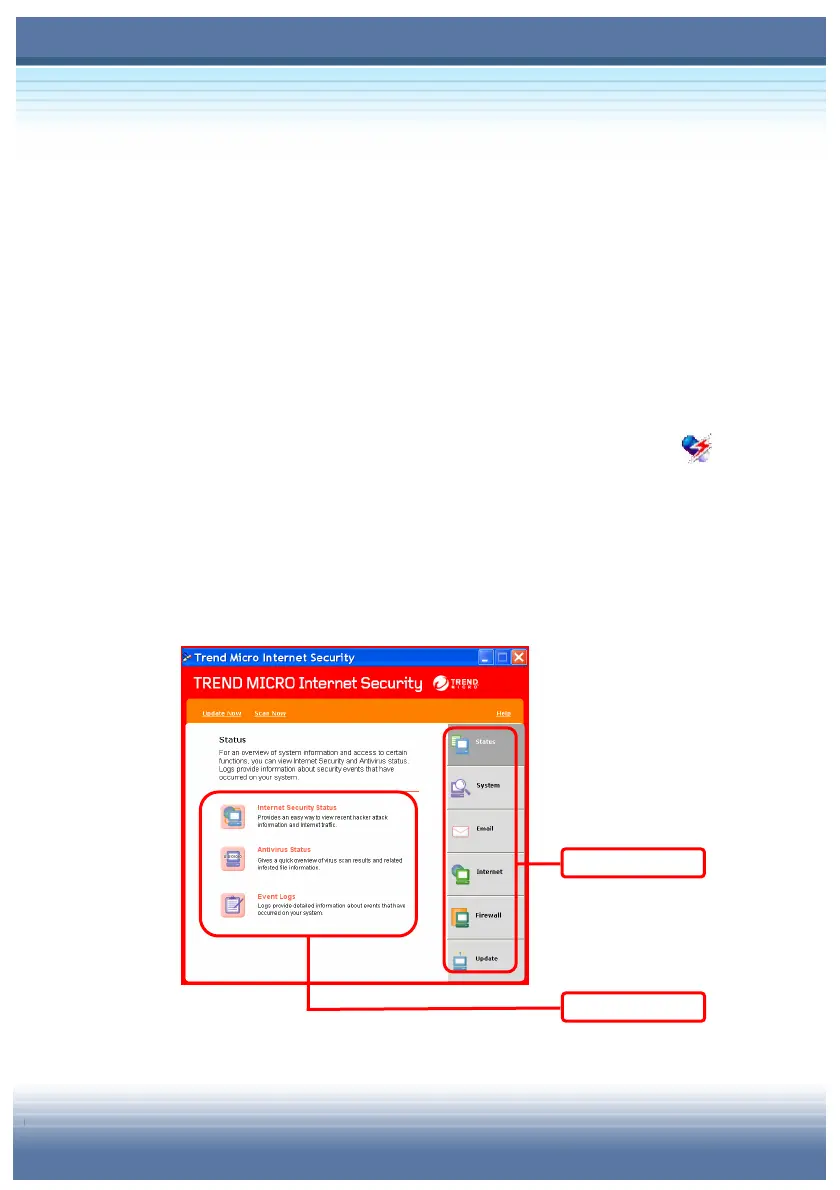
on the taskbar. Double-click the icon to open the main window of
Trend Micro™ Internet Security. There are six categories showing
on the right side of Main Menu. Under the categories, there are
grouped functions to meet what you need.
Categories
Functions



 To Next Page