5-13
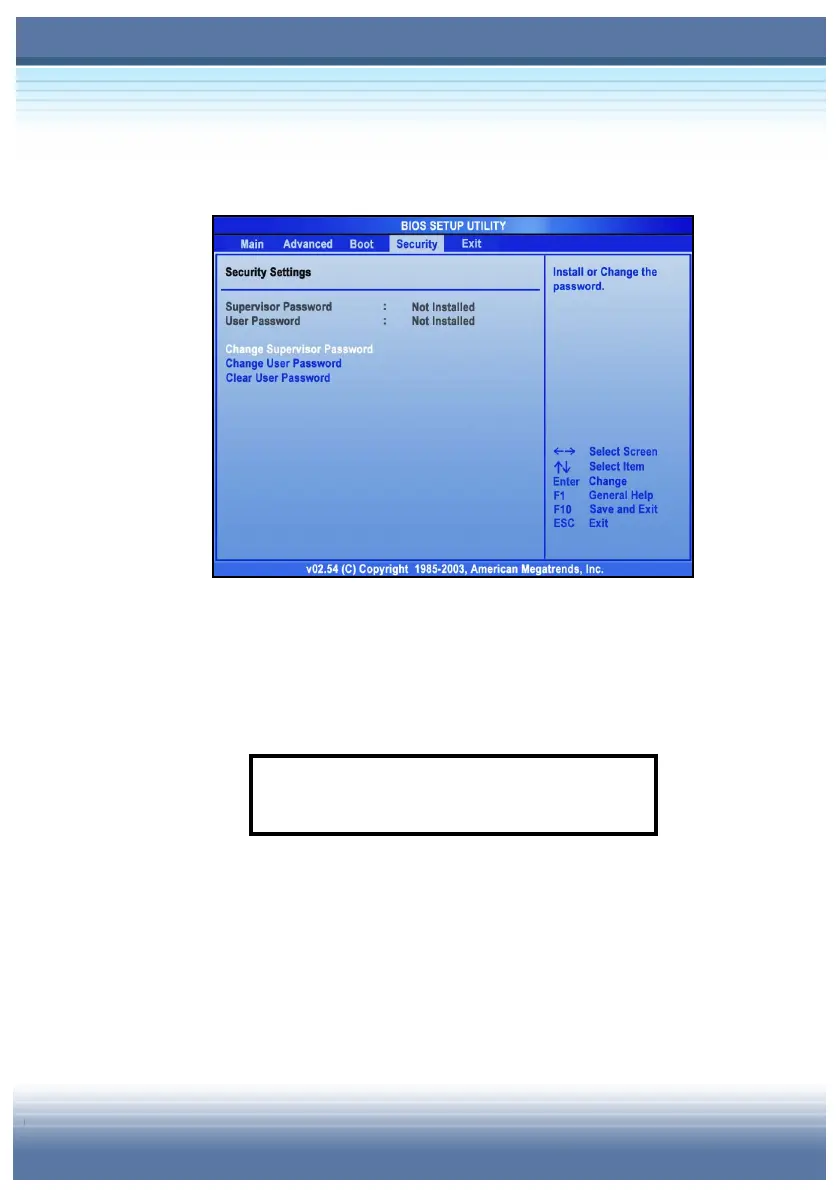
Security Settings
y Change Supervisor/User Password
When you select the function, a message box will appear on the
screen as below:
Type the password you want, up to six characters in length and
press [Enter]. The password typed now will replace any previously
set password from CMOS memory. You may also press [ESC] to
abort the selection and not enter a password.
Enter New Password



 To Next Page