2-22
Changing the Display Output Device
1. Click Start from the taskbar and select Control Panel to open
the Control Panel window.
2. Double-click the Display item to open the Display Properties
window.
3. Go to Settings Tab and Click the Advanced button to bring up
the following window that contains more settings.
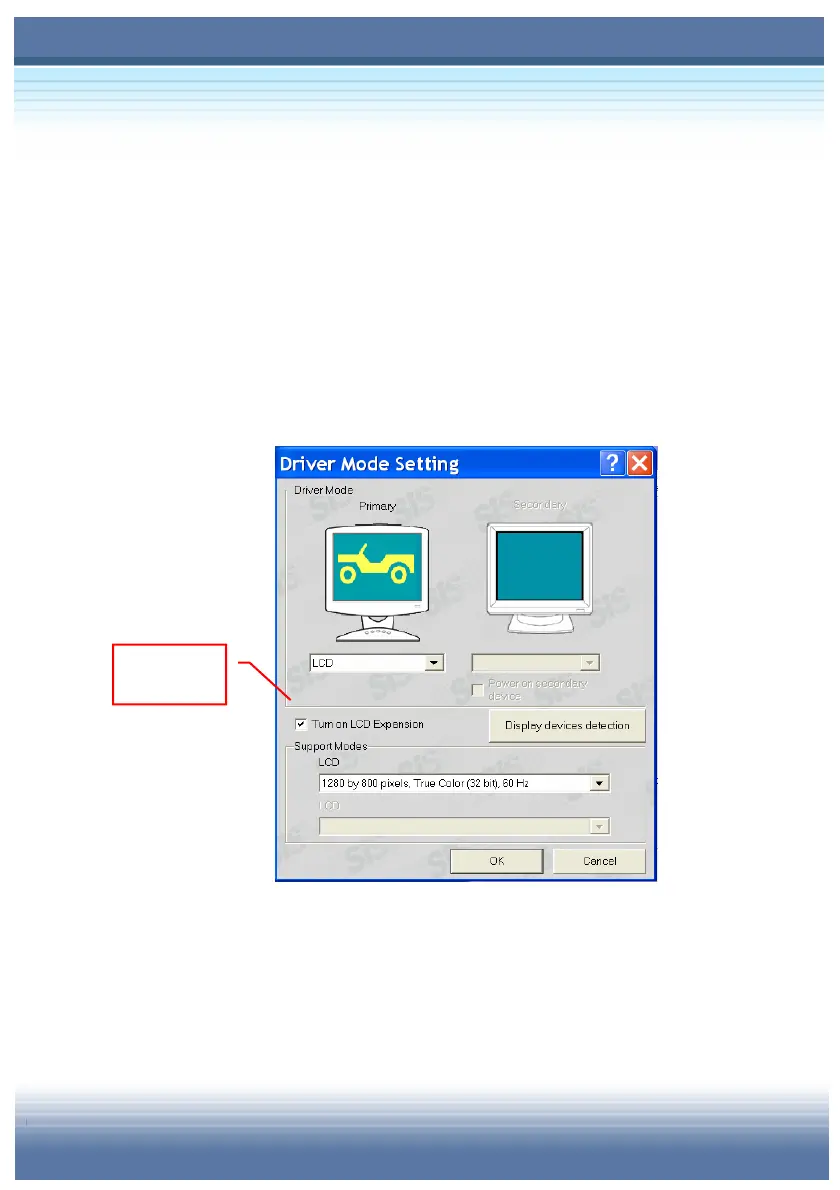
4. In Driver Mode Setting field under the Utility Manager tab, the
default of Primary mode is LCD. If you have connected the
extra display devices (CRT monitor and TV), the Secondary
filed will be available for setup.
Check this
option



 To Next Page