6-7
You are strongly recommended to install the LAN driver
included in the software CD of your computer to take full
advantage of the LAN feature.
We Reminds Yo
…
Connecting the Communication Devices
Using the LAN
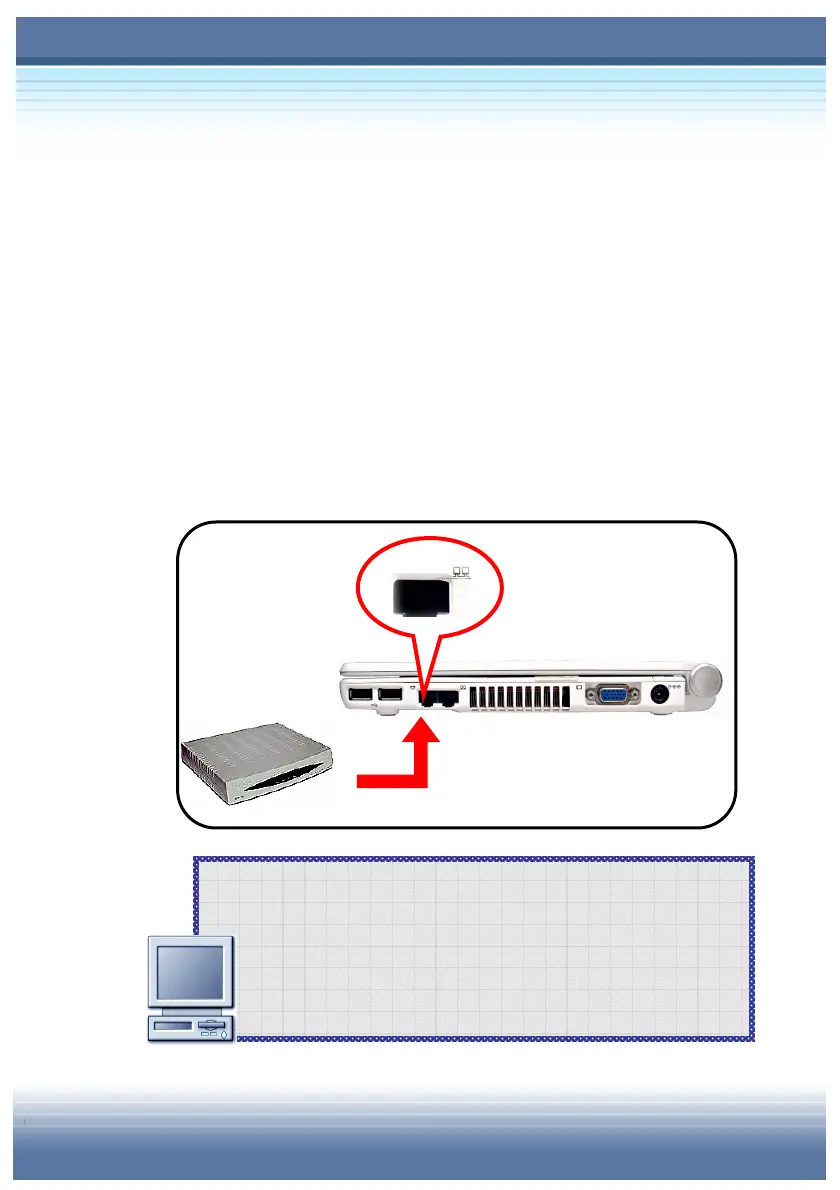
The RJ-45 connector of the computer allows you to connect the LAN
(local area network) devices, such as a hub, switch and gateway, to
build a network connection. This built-in 10/100 Base-T LAN
module supports data transfer rate up to 100Mbps.
The following diagram describes the basic connection in a network
environment. For more instructions or detailed steps on
connecting to the LAN, please ask your MIS staff or network
manager for help.
Connecting the LAN



 To Next Page