3-8
Configuring Real-time Virus Scan Actions
Real-time scanning constantly protects your PC from viruses
infected. Because real-time virus scanning runs imperceptibly in
the background, it is recommended to always keep real-time
scanning enabled.
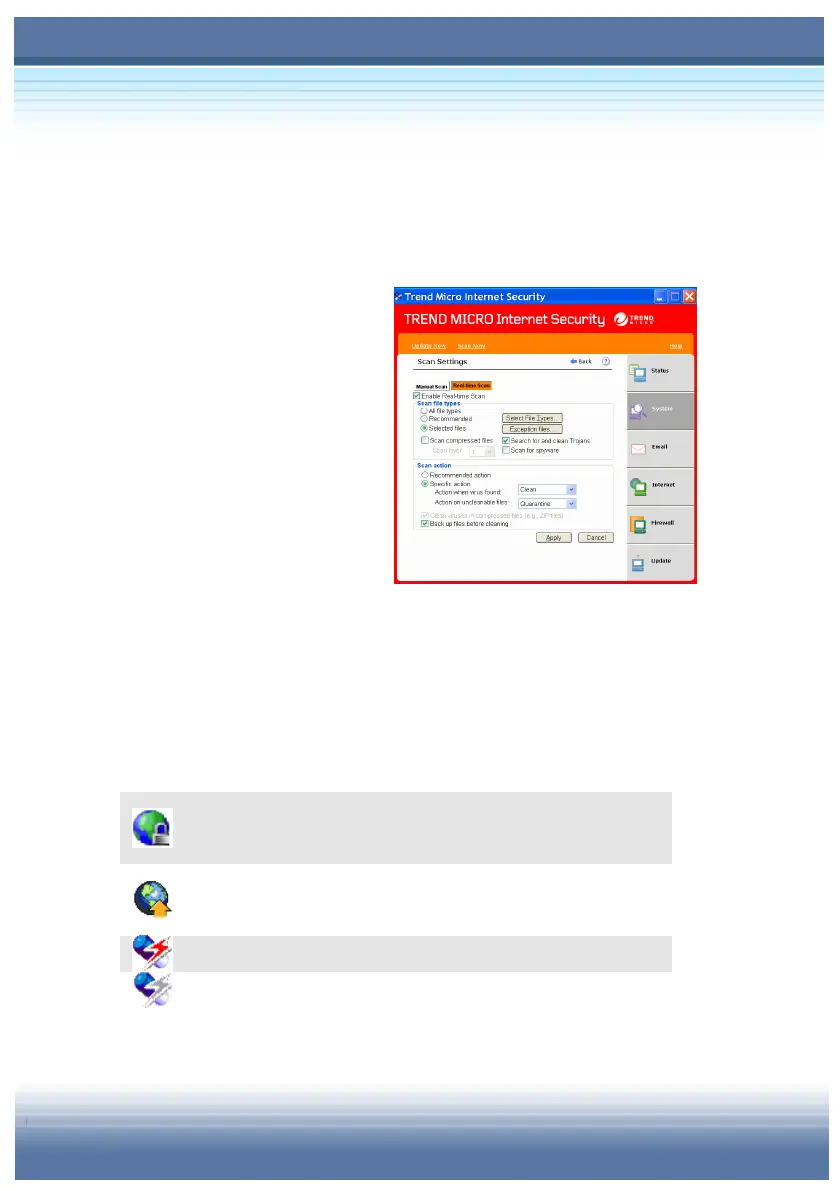
After entering Trend Micro
Internet Security, you can set
up the real-time virus scan
actions first. Go to System Æ
Scan Settings Æ Real-time
Scan and make sure Enable
Real-time Scan is checked.
Then you can configure more detailed settings of Virus Scan.
Identifying Real-time Agent Icons
The Real-time Agent shows different icons when it is doing different
works. There are descriptions about every Real-time Agent icons
showing on the taskbar.
All incoming and outgoing Internet traffic has been
stopped.
Connecting to the Trend Micro server to download the
latest updates.
Real-time Scan is enabled.
Real-time Scan is disabled.



 To Next Page