3-16
InterVideo WinDVD™ 4
Whether watching DVD movies on your Notebook PC as you travel,
using your computer as a second DVD player for your kids or
watching a movie on your desktop as you work, InterVideo
WinDVD™ 4 lets you get the most out of any computer with a DVD
drive.
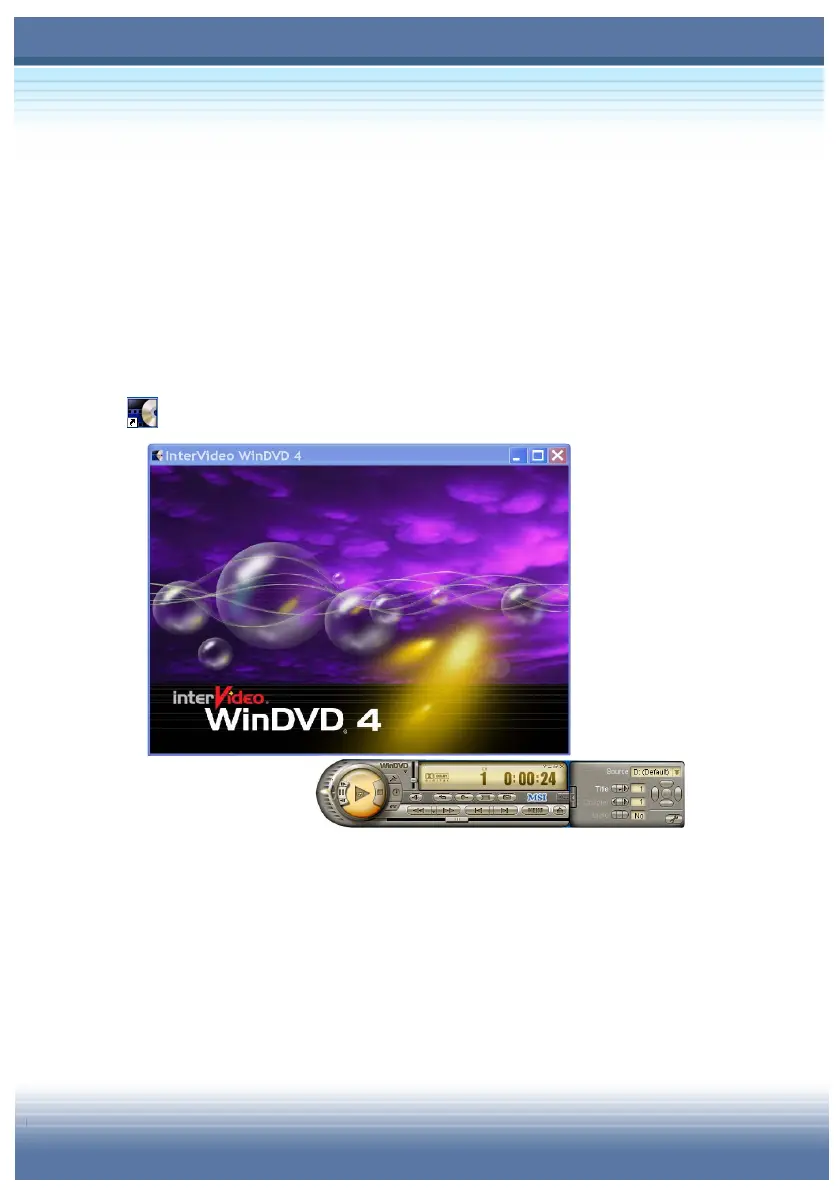
To launch WinDVD™4, double-click InterVideo WinDVD™ 4 icon
(
) on Windows desktop and the program’s interface will appear
Display: Display DVD/VCD on the screen.
Control Panel: Contains lots of control functions of the
program.



 To Next Page