2-13
Configuring the Touchpad
You can customize the pointing device to meet your personal needs.
For example, if you are a left-hand user, you may want to swap the
functions of the two buttons. In addition, you can change the size,
shape, moving speed and other advanced features of the cursor on
the screen.
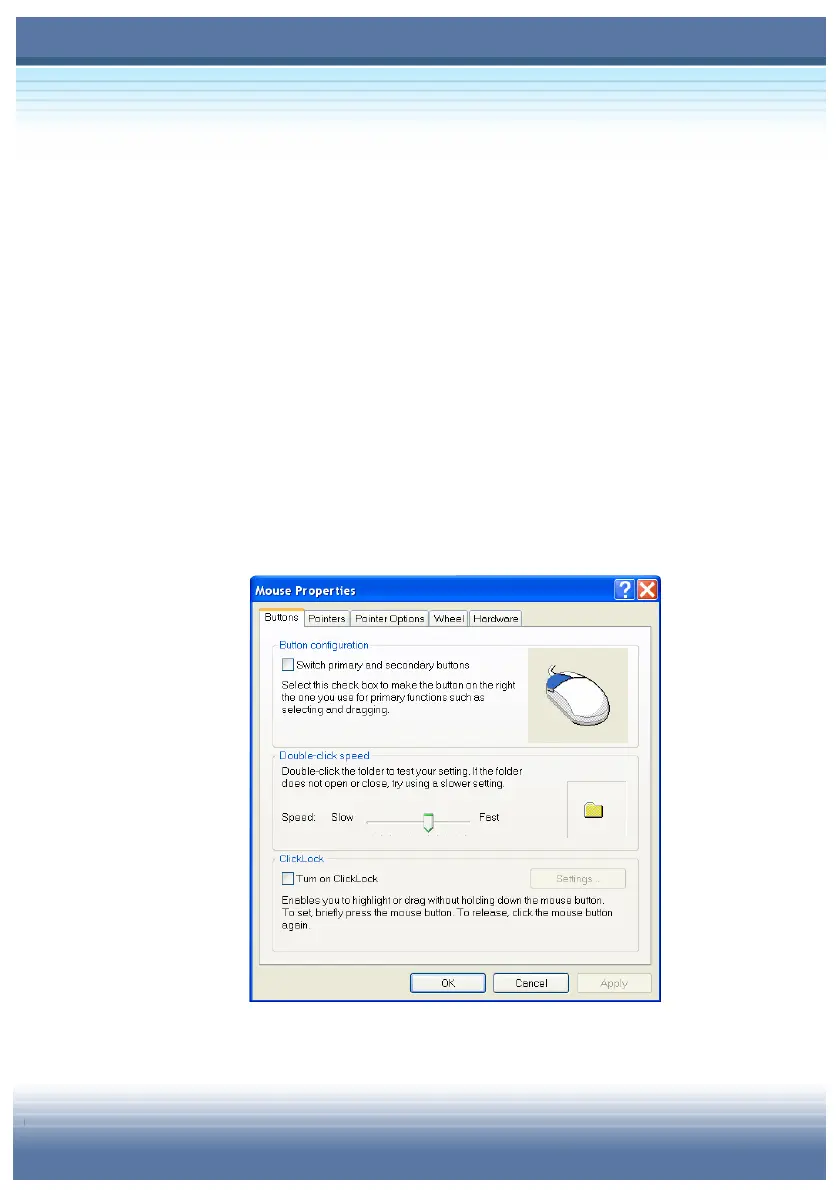
To configure the touchpad, you can use the standard Microsoft or
IBM PS/2 driver in your Windows operating system. The Mouse
Properties in Control Panel allows you to change the
configuration.
Mouse Properties Window



 To Next Page