1-17
1. The AC adapter included in the package is correct for
our Notebook PC; using other adapter model may
damage the computer or other devices on the computer.
2. When unplugging the power cord, always hold the
connector part of the cord. Never pull the cord directly.
We Reminds You…
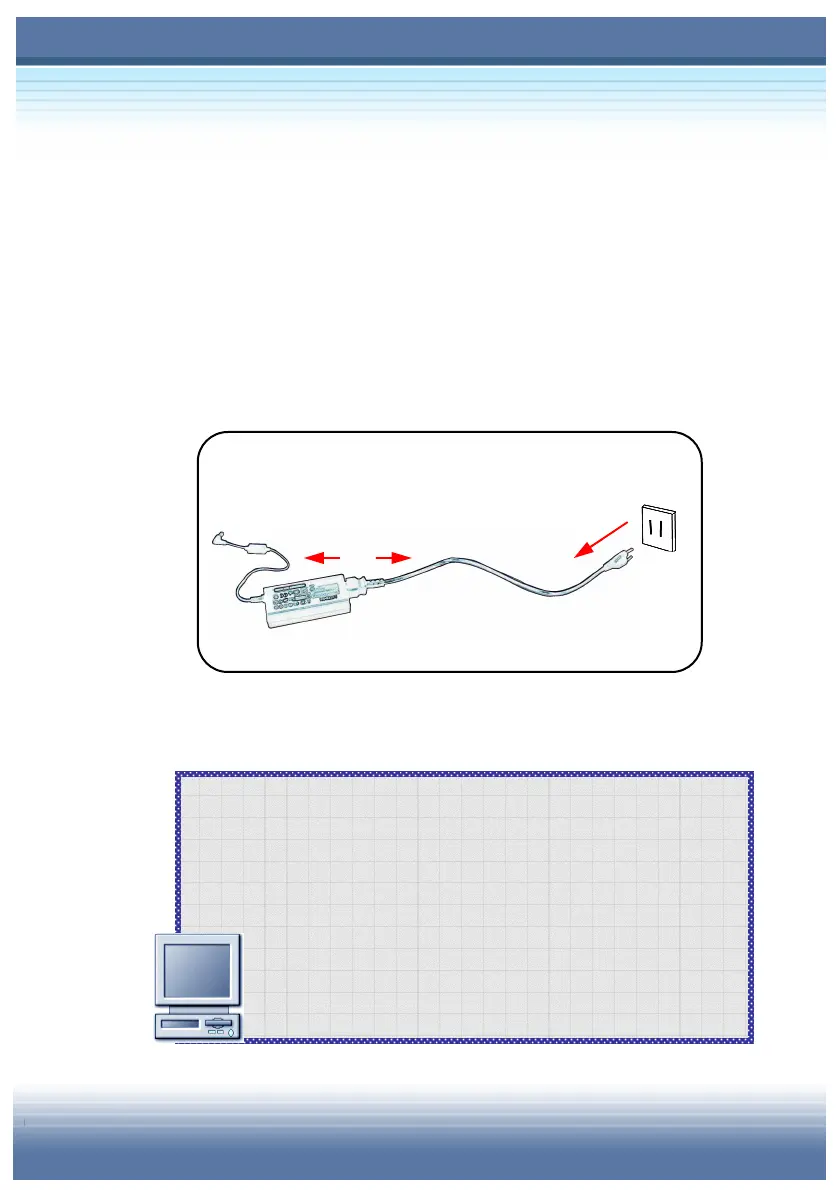
Disconnecting the AC Power
When you disconnect the AC adapter, you should:
1. Unplug the power cord from the electrical outlet first (
).
2. Unplug the connector from the computer.
3. When unplugging the power cord, always hold the connector
part of the cord (). Never pull the cord directly!
Disconnecting the AC Power



 To Next Page