2-23
2.8 Using the Audio Function
Connecting Audio Devices
Your Notebook PC is equipped with a audio subsystem. However,
you can also connect the external audio devices for a better audio
quality when enjoying your music and movie on the computer. The
audio-out jack allows you to connect the speakers and headphones;
the microphone jack allows you to connect the external microphone.
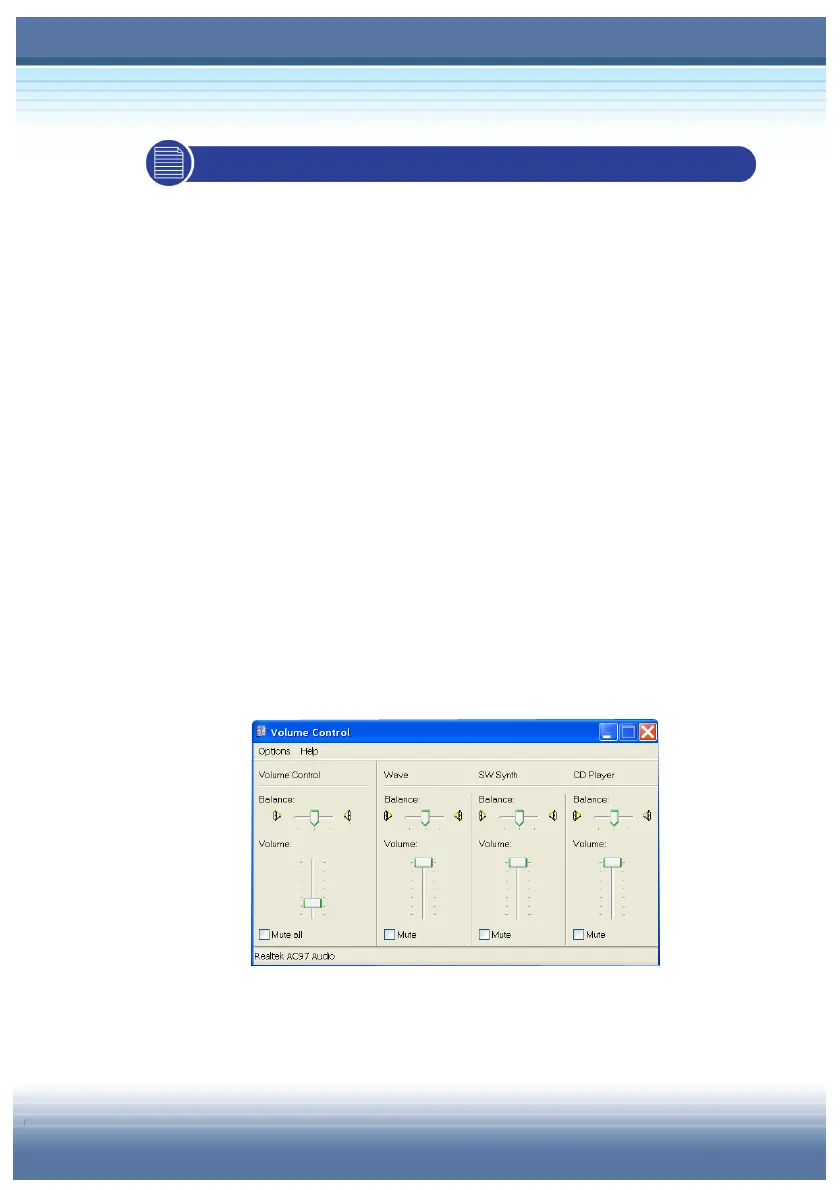
Volume Control
Double-click the Volume Control icon on the taskbar and the
Master Volume dialog box will appear as shown below. You can
move the slide bar to adjust the volume.



 To Next Page