3-25
Nero Express 6
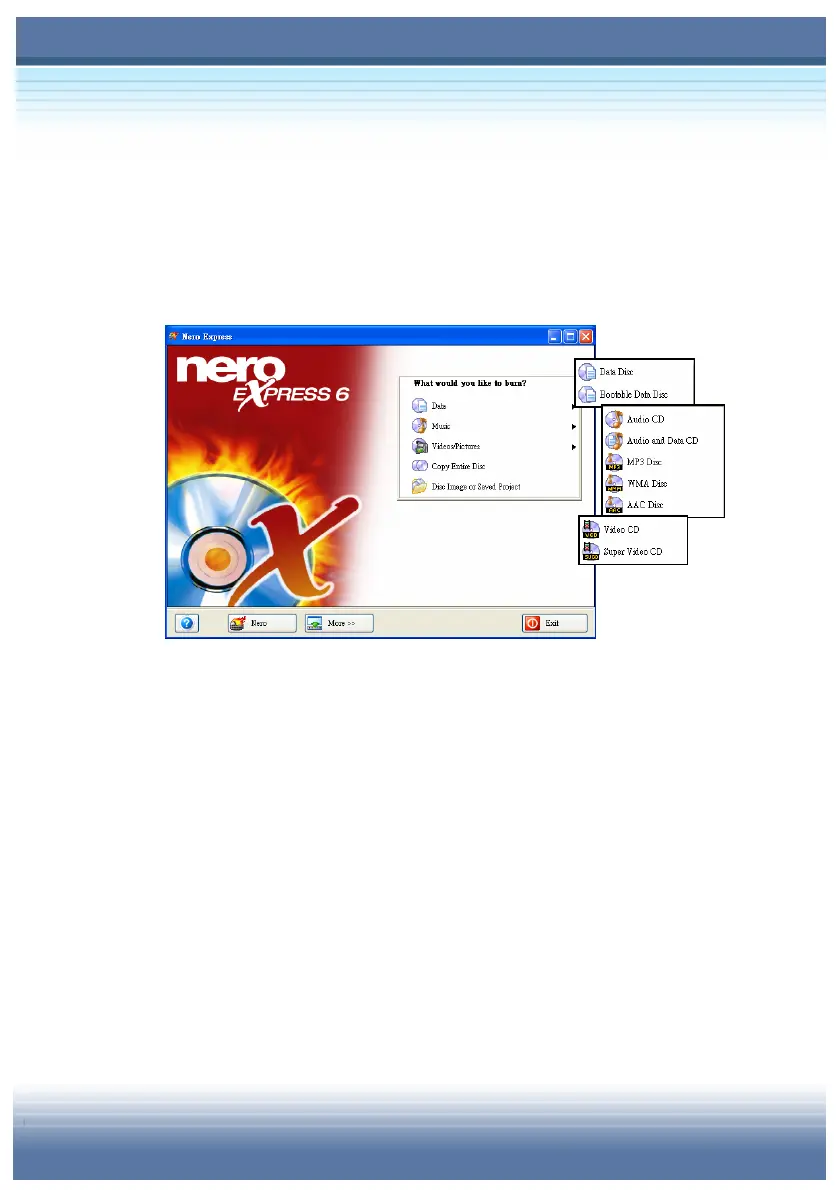
Select Nero Express from the programs under the Start Menu, the
main screen of Nero Express will pop up on the window as below:
It is a quick way to start your burning process. The functions of
Nero Express 6 act similarly as Nero StartSmart, however, its
operation is simpler and straighter to meet your needs. There are
four topics included in Help Button: Help Topics (to view on-line
help), Enter New Serial Number, Ahead On the Web and About
Nero Express. Click on Nero Button will see detailed description
about Nero Express. The More Button leads you to get extra
functions like Configure, Save Tracks, Erase Disc, Disc Information
and Cover Designer.



 To Next Page