1-9
Status LED
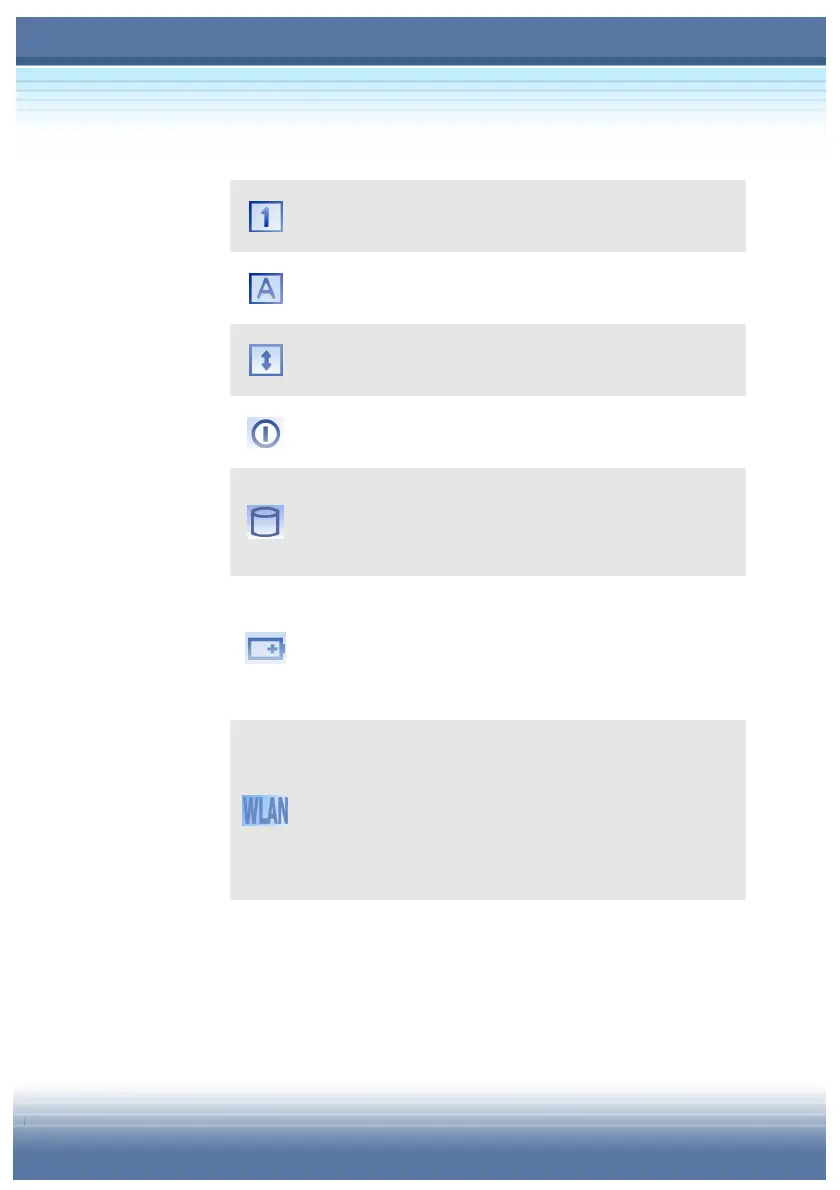
Num Lock: Glowing Blue when the Num Lock
function is activated.
Caps Lock: Glowing Blue when the Caps Lock
function is activated.
Scroll Lock: Glowing Blue when the Scroll Lock
function is activated.
Hard Disk In-use: Blinking Blue when computer is
accessing the hard disk drive.
AC Power On: Glowing Blue when the AC Power is
activated and blinking Blue when computer is getting
into sleep mode.
Battery Status: Blinking Green when the battery is
being charged and blinking red is in LLB status (Low
Low Battery status). (Note: The status would show
when AC adapter connected).
Wireless LAN: Glowing Blue when wireless LAN
function of the computer is enabled. Fast glowing in
blue light means the status of being transferred and
slowly glowing in blue light means the status of being
AP connected



 To Next Page