3-12
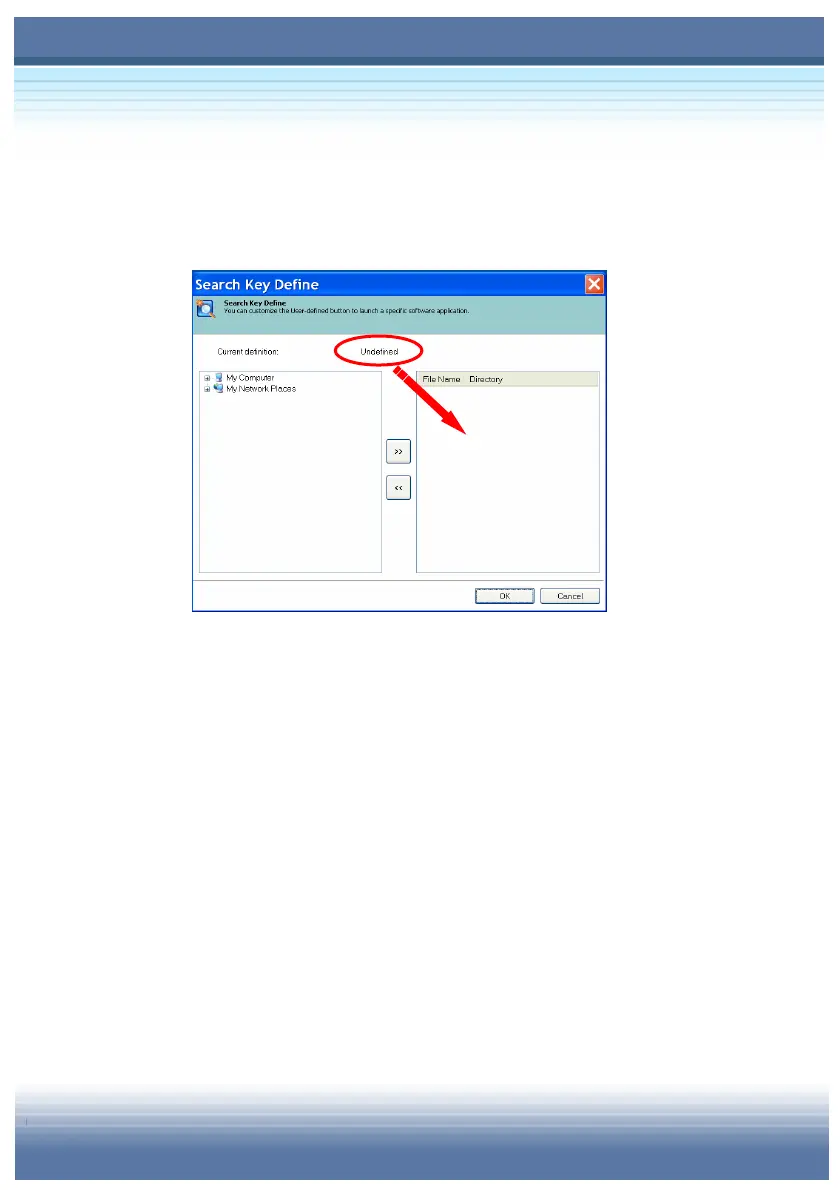
At the beginning, there is no item listed in the right field of the screen
and a message “Undefined” shows you the status of the current
definition.
To add a Search Key in the list, just search and select an item from
the left field. An item can be a program, a media or a web page.
For example, point the Nero StartSmart () and press the “>>”
button (), the path where Nero StartSmart locates will be add in
the right field. Because there is only one path listed so far, all you
need to do is to click it and make it as the search key (). If you
have items more than one listed in the right field, you can select
ONLY ONE to be the search key. Click “OK” and exit the screen of
Search Key Define (). To remove item in the right field, just click
the “<<” button and the selected item will not be in the right field
unless you add it again.



 To Next Page