3-18
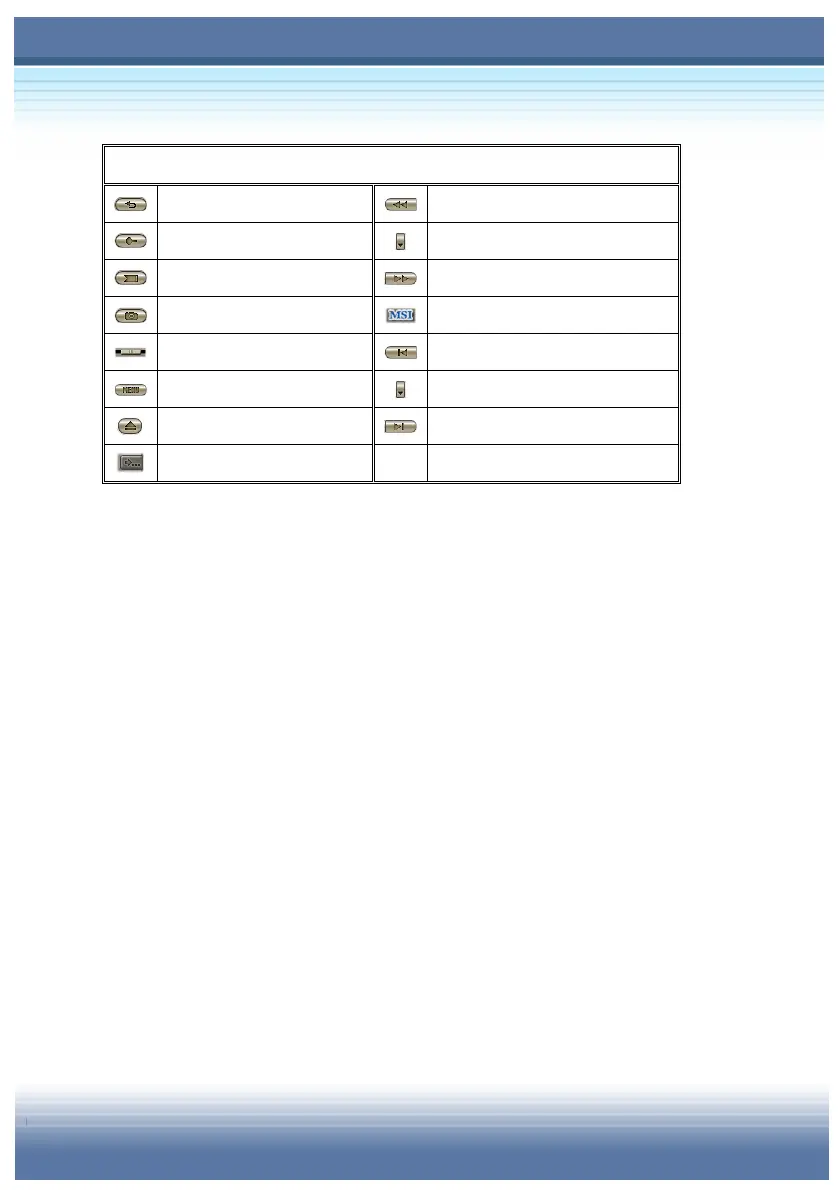
Main Panel (continue)
Repeat [Ctrl+R]
Fast Rewind [R]
Search
Select Speed
Bookmark [K]
Fast Forward [F]
Capture [P]
MSI WebSite
Forward/Rewind Slider
Previous Chapter [PgUp]
Disk Menu [Ctrl+M]
Chapter List [C]
Eject [E] Next Chapter [PgDn]
Open Sub Panel
Variable Speed Fast Forward/Rewind Slider
Press and hold the button and slide up and down to adjust the
speed of playback.
Playback Controller
Forward, Pause, Reverse, Play and Stop.
Increase Playback Speed
Every one press on the button makes fixed amount of higher speed.
Time-Stretch Clock
The duration of playback can be adjusted by three functions of
“Finish By”, “Play In” and “Set to Normal Speed”.
Volume Slider
Slide the Volume bar up/down to increase/decrease the volume.
Mute Button
Use this button to erase the sound while the movie keeps on playing.



 To Next Page