Starting out with your DP-01
TASCAM DP-01 Owner’s Manual 11
Navigation
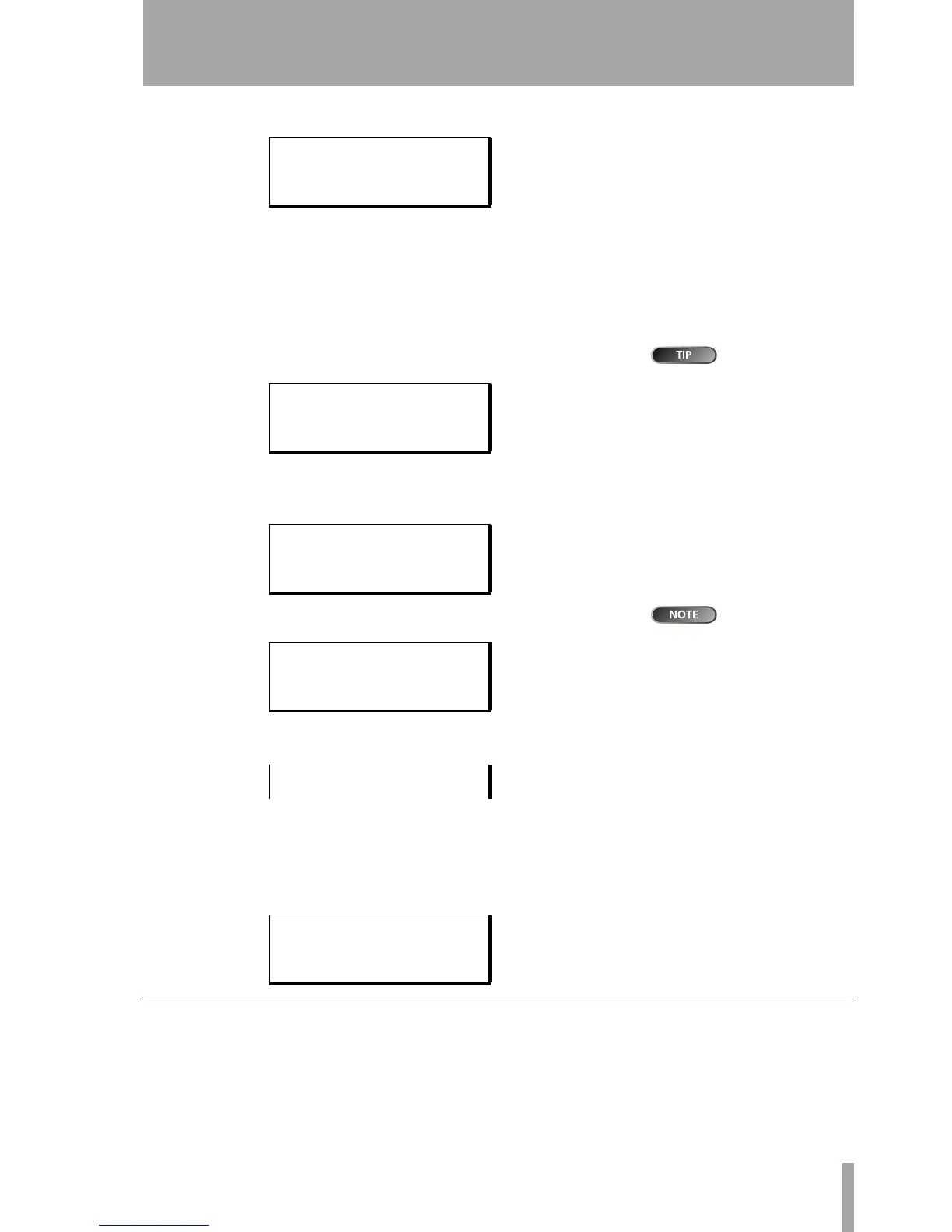
… Press the MENU key to bring up the opening menu screen:
… Use the wheel or the 6 and n keys to scroll up and down through the
list of top-level menus. Note how the : symbol changes to an inverted
triangle (
.) when the menu is highlighted.
At the bottom right of all menu screens is a symbol showing whether
there are more menus below the current list (
;), above the current list
(
l), or above and below the current list (').
To go up a level in
the menu “tree”,
press the
EXIT
key.
… Press the y cursor key to enter the selected menu. The screen below
shows the
SONG menu:
… Use the wheel or the 6 and n keys to select the action from the menu
(here the
ERASE option is selected—note that there are options above
and below the current list):
The song names
and sizes shown
here will almost certainly be dif-
ferent on your DP-01.
… Press y to enter the menu action screen. In this case, the erase func-
tion presents you with a list of songs:
… Use the wheel (or the 6 and n keys) to move the cursor so that it is by
the song to be erased, and then press the
ENTER key.
… In cases like this, where the DP-01 asks you a question, the ENTER key
now becomes a
YES key, and the EXIT key becomes a NO key.
… Some screens allow a number of values to be filled in. In these cases,
you should use the 6 and n keys to move the cursor and the wheel to
set the value:
The SHIFT key
The SHIFT key modifies the behavior of a number of different keys. When you
press and hold it while pressing another key, the other key takes on the func-
tion shown in the label (usually white-on-blue for the DP-01FX and white-
on-green for the DP-01) shown below the key.
---- MENU ----
SONG .
DISK :
BACKUP : ;
-- SONG MENU --
CREATE .
SAVE :
REVERT : ;
-- SONG MENU --
LOAD :
ERASE .
COPY : '
-- SONG ERASE --
/ NO BLUE← 67M
YOU WIN 426M
UPSTART 188M;
| SONG ERASE |
|Are you sure ?|
-- PREFERENCE --
Pre / 2.0Sec
Post :1.0Sec
EQ LF:100 Hz '










 To Next Page