- 76 -
4. PARAMETER SETTING
DATA IN TRANSMISSION
DO NOT TURN OFF THE KEY
TERMINATED
TERMINATED
TURN OFF THE KEY
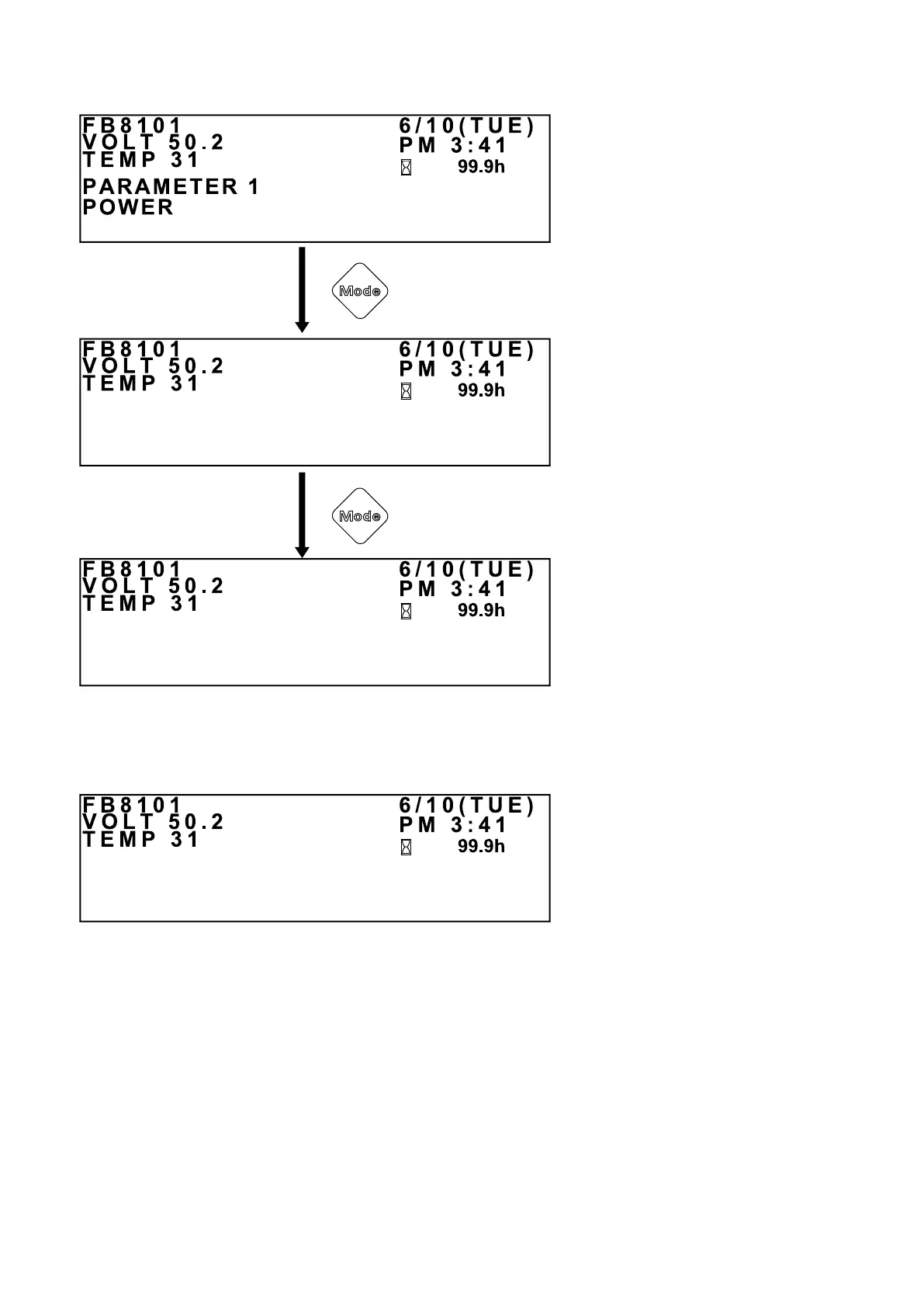
Press and hold
this button.
After setting a parameter item, press
and hold the Mode button when the
PARAMETER ITEM SETUP screen is
displayed.
The PARAMETER SETUP COM-
PLETE screen (shown on the left) will
be displayed.
Press and hold the Mode button when
the PARAMETER SETUP COMPLETE
screen is displayed. The controller
MC contactor will be activated and the
DATA TRANSMISSION screen (shown
on the left) will be displayed. This
screen indicates that the new setting is
being sent to the controller.
Note that the truck cannot be operated
during data transmission.
DATA TRANSMISSION COMPLETE SCREEN
Once the data transmission is nished,
the DATA TRANSMISSION COM-
PLETE screen (shown on the left) will
be displayed. Then turn the key switch
OFF.
PARAMETER ITEM SETUP SCREEN
PARAMETER SETUP
COMPLETE SCREEN
DATA TRANSMISSION
SCREEN
Press and hold
this button.


 To Next Page
 Loading...