166
8.9
Communication Example
This section provides an example of how to communicate with the IEEE option Power
Supply using the National Instruments™ MAX application.
1. Run the National Instruments™ MAX (Measurement & Automation Explorer).
Figure 8–3: National Instruments™ MAX – Desktop Icon
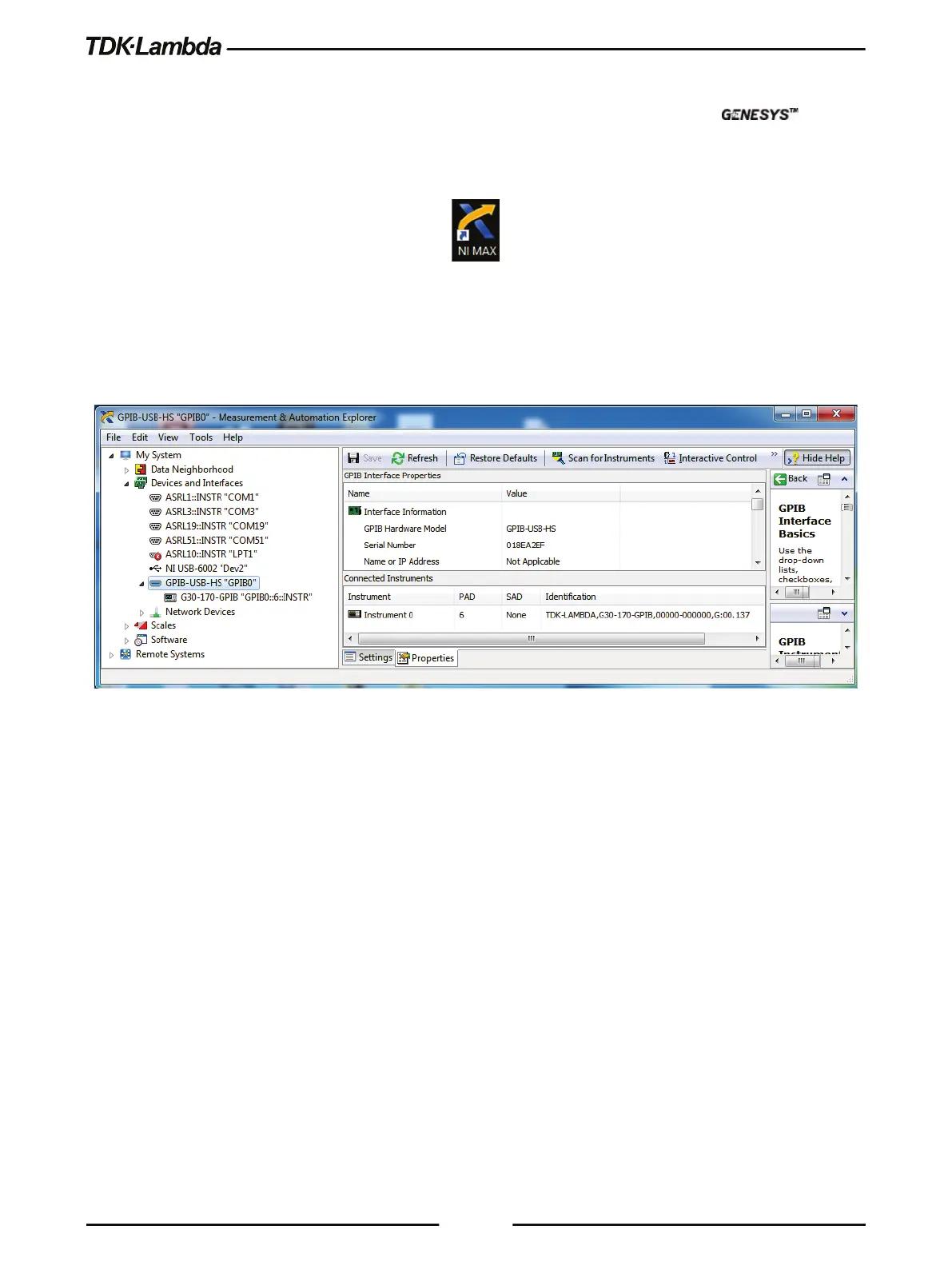
2. On the side tree, expand My System and select Devices and Interfaces -> “GPIB0”.
3. In the GPIB Explorer toolbar, click Scan for Instruments. Refer to Figure 8–4.
Figure 8–4: Scan for Instruments













 To Next Page