44
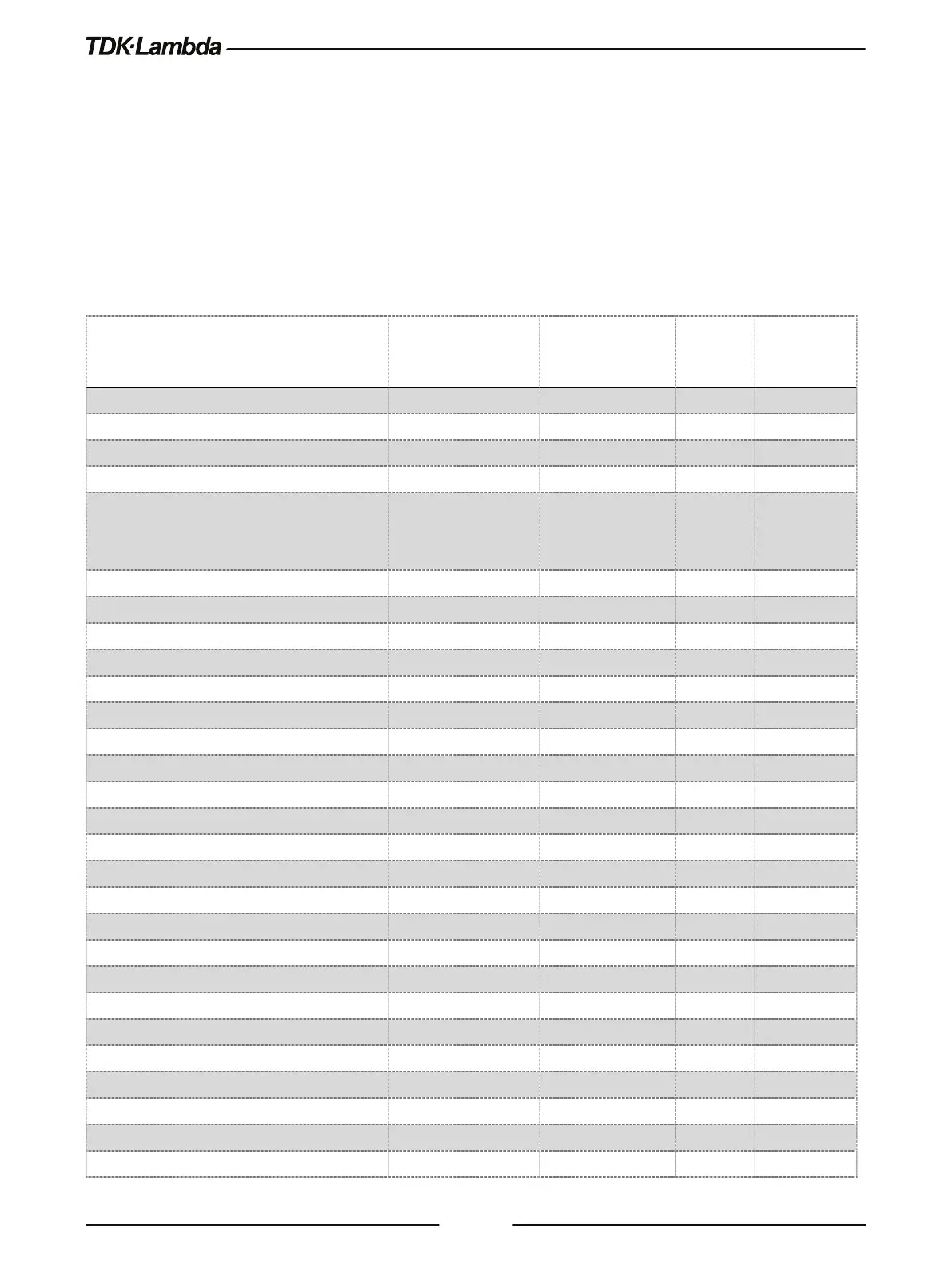
User can recall up to 4 sets of parameters. Refer to Table 3-5 for available Recall parameter sets.
To recall the Front Panel setting, perform the following steps:
1. Press the SYST button. SYST (GREEN) LED illuminates. Rotate Voltage encoder until RECAL 1
appears on the display.
2. Rotate Current encoder to select the desired memory cell (1-4). Accept by pressing Current
encoder. The display blinks once to acknowledge the setting.
3. Exit the SYST menu by pressing the Back button or the SYST button.
Power Supply Output State
Over Voltage Protection (OVP) [V] 1.1 * RATED
or 1.2 * RATED
1.1 * RATED
or 1.2 * RATED
+ +
Under Voltage Level (UVL) [V]
Under Voltage Protection (UVP) Mode
Under Voltage Protection (UVP) Delay [S]
Constant Power Set Point [W]
Voltage Slew Up / Down [V/mS]
Current Slew Up / Down [A/mS]
Internal Resistance Function
Internal Resistance Set Point [Ω]
Voltage Reference Programming Source
Current Reference Programming Source
Analog Mode Current Limit (OCL)
Analog Programming & Monitoring Range [V]











 To Next Page