79
•
Apply
Click this button to save the new settings. A pop-up box will ask you to close or refresh the
page. ‘admin’ log-in will be logged-out.
•
Close
Click this button to return to the LAN Configure Page shown in section A.
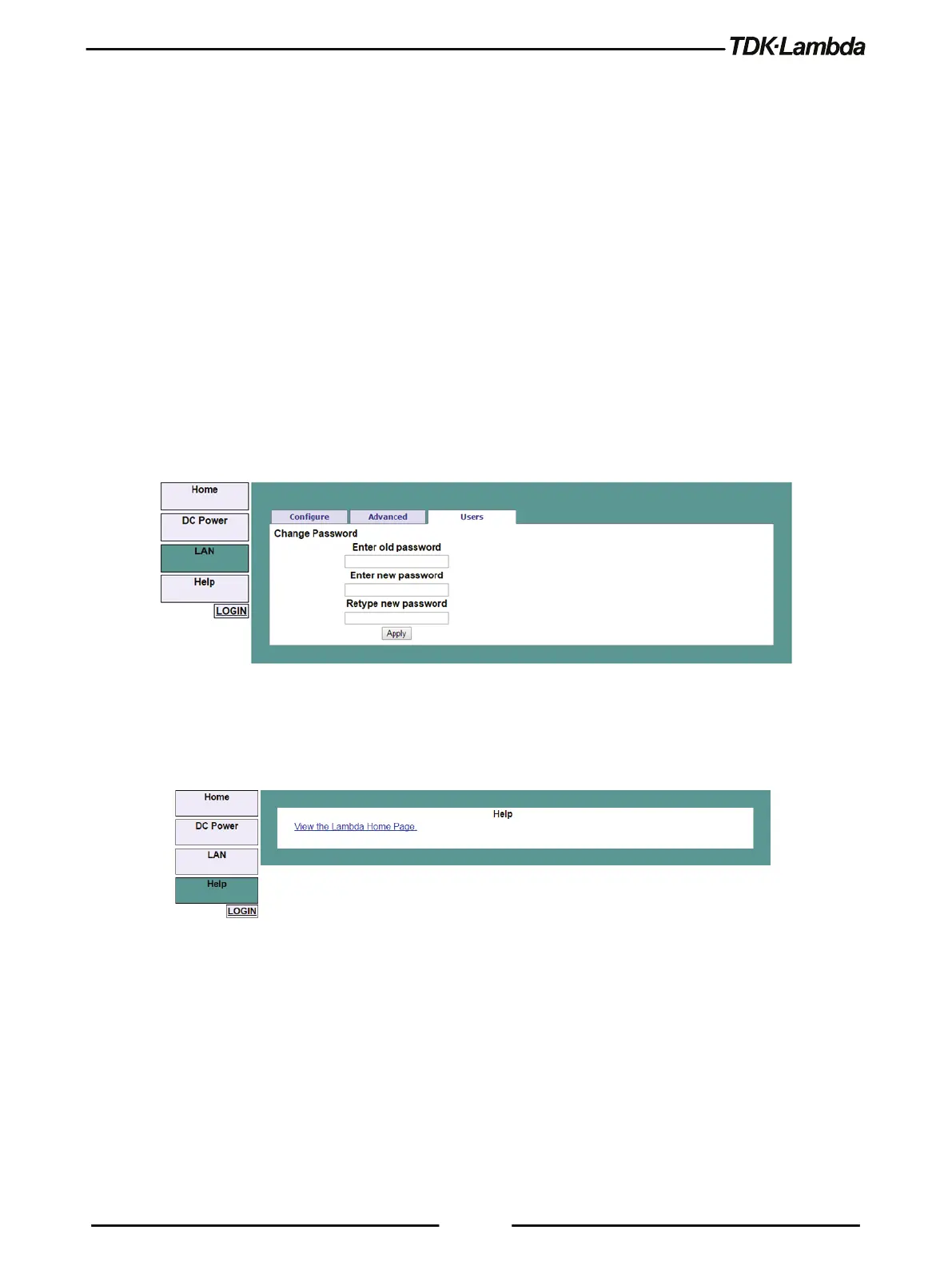
D. LAN ➔ Users Page
This page allows creating password protection for the web pages. There is no password protection
for automation programming with VISA or sockets.
By default, the old password is blank. The new password must contain between 6 and 16
characters. Password is case sensitive.
Reset Password
Once a password is applied, it may be changed by using the same screen, but it can only be
removed by performing the LAN Reset function.
Figure 5–19: LAN – Users Tab
5.7.6.7 HELP Page
A Help tab is available. This page is an Internet link to TDK-Lambda’s website pages.
Figure 5–20: Help Tab











 To Next Page