50
CHAPTER 5: SERIAL RS232/RS485, USB & LAN INTERFACES
5.1
Introduction
This chapter describes the set-up, operation, commands, and communication protocols of the
power supplies via serial communication interfaces: RS232, RS485, or USB, and LAN.
5.2
Configuration
Communication
Interface
INTFC
RS232
RS485
USB
LAN
OPT OPT
Available only if optional
communication card is installed.
ADR
0...31
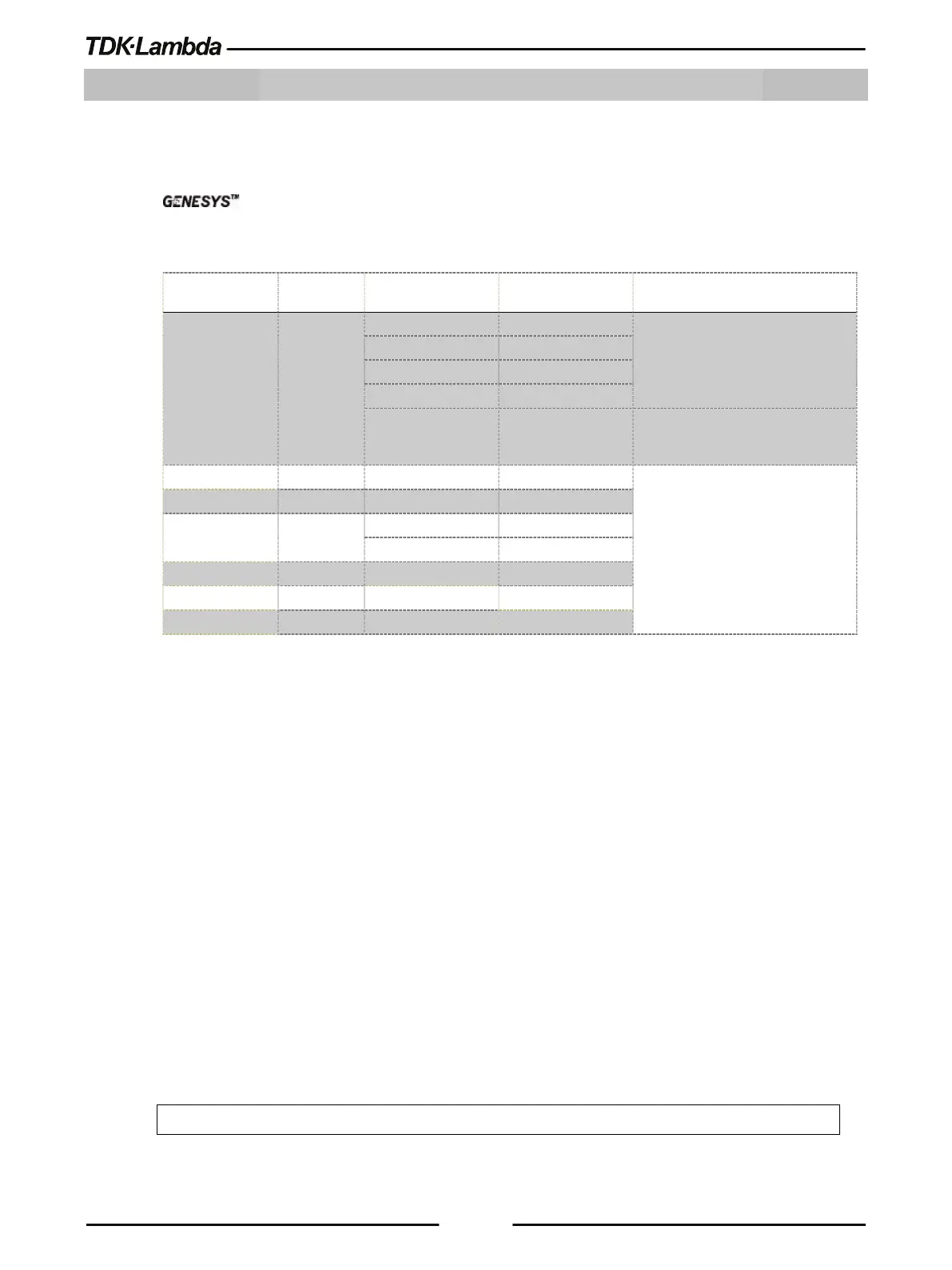
Table 5-1: Front Panel Setup
5.2.1 Default Setting
Refer to Table 3-5: Non-Volatile Memory Parameters and Table 3-6: LAN Non-Volatile Memory
Parameters for factory default settings.
5.2.2 Communication Interface Selection
The power supply communication interface can be set to RS232, RS485, USB, LAN, or OPT *.
1. Press the COMM button.
COMM LED illuminates. INTFC message appears on the Voltage display.
2. Rotate the Current encoder to select a required communication interface.
3. Press the Current encoder to accept a parameter.
When the parameter is accepted, the display blinks once.
4. To exit the menu, press the COMM button or the BACK button.
NOTE
* OPT option is available only if an optional communication card (i.e. IEEE) is installed.











 To Next Page