57
5.6
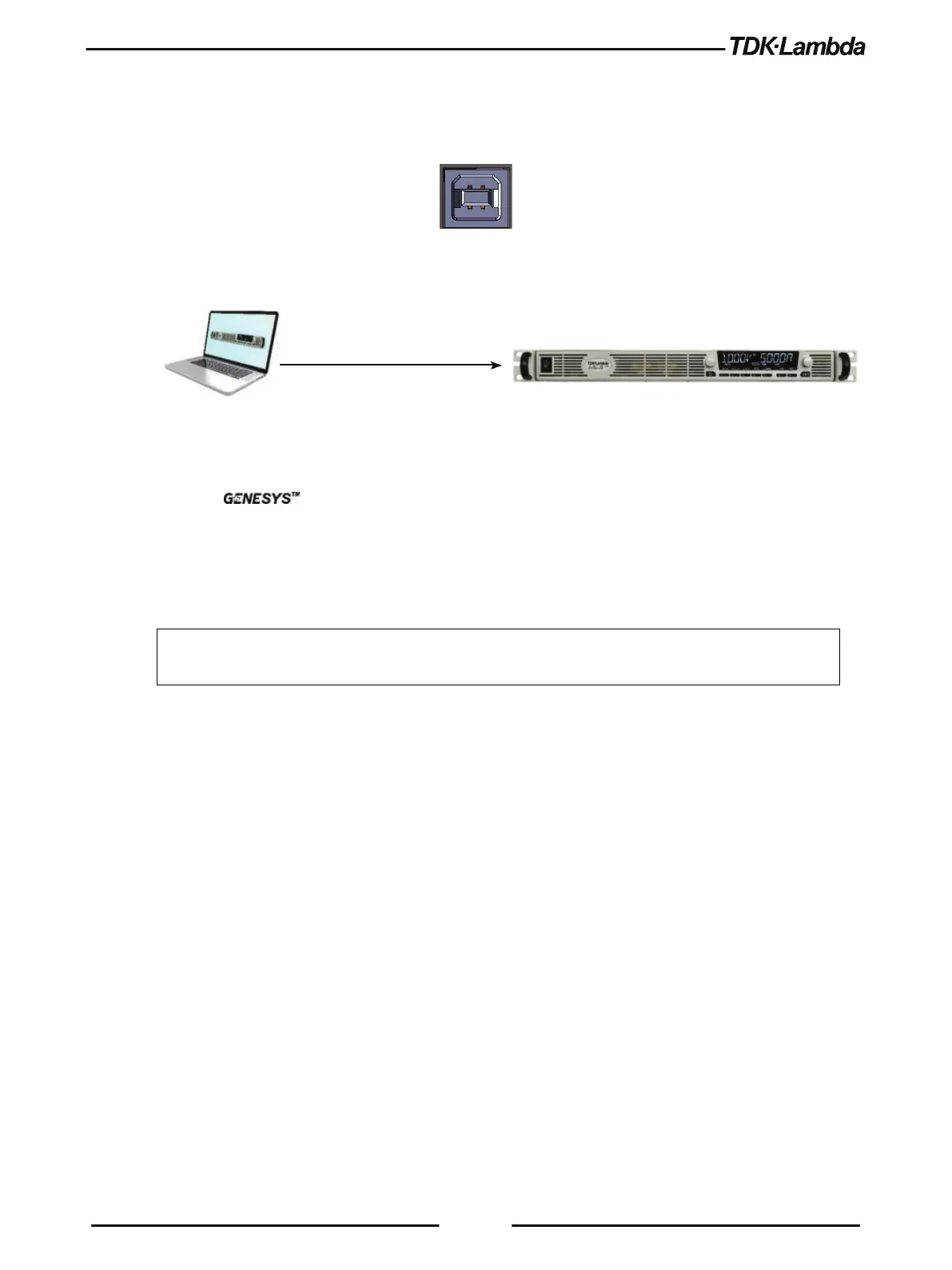
Rear Panel USB Connector
A standard USB Type B connector is located on the rear panel of the USB communication
interface. Refer to Figure 5–5.
Figure 5–5: USB Connector
5.6.1 USB Getting Started
Figure 5–6: USB Connection
1. Insert the software CD-ROM shipped with the product into a CD-ROM Drive.
The Auto-Run menu automatically appears.
2. Install the appropriate USB driver according to the operating system architecture (32 bit or 64
bit).
NOTE
* Do not connect or disconnect the USB cable when USB communication is active,
communicating with an external device.











 To Next Page