6. LSServer, Scanner Shell and Download
6-98 Operating Manual for the LS Series Scanner No. 30001798 Rev. No. 1.5 2004-11
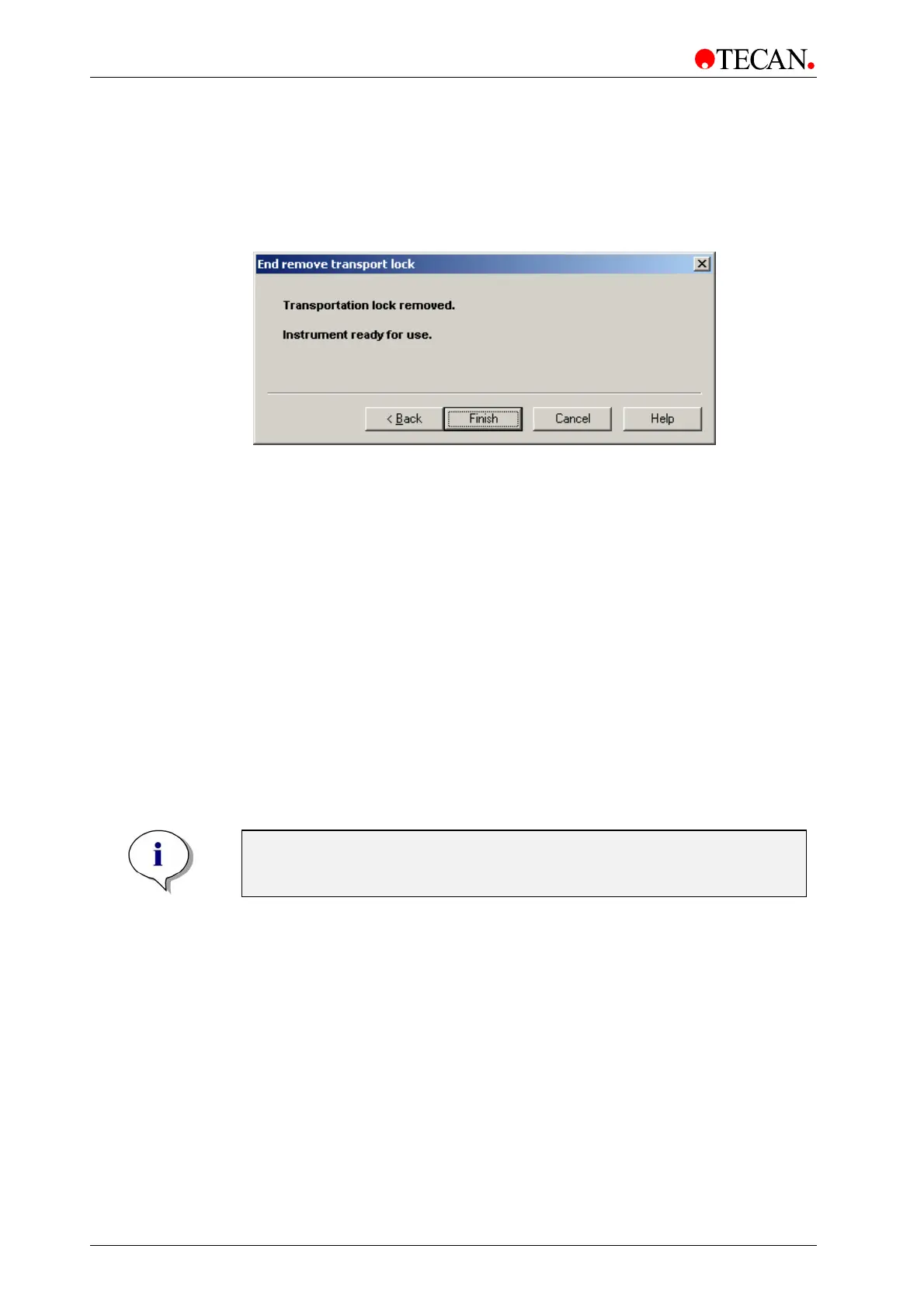
The End Remove Transport Lock window
In the End Remove Transport Lock window the static text informs the user that
transport lock has been successfully removed and that the instrument is ready for
use.
The
End Remove Transport Lock window:
Click
Finish to complete the Remove Transport Lock procedure and close
Transport Unlock wizard.
The Gain Calibration Wizard
The Gain Calibration is needed to take into account the differences in sensitivity
between PMTs used in
Tecan LS SERIES SCANNER instrument. For each PMT
found in instrument the
Gain Calibration must be done.
Tools needed for gain calibration are delivered with each instrument:
• Scattered light glass slide
• Calibration filter slide with different OD filters
• Normal filter slide
Pay attention when loading the filter slides:
• Gain Calibration PMT 1: Put the calibration filter slide in filter slot 1 and the
normal filter slide in filter slot 2.
• Gain Calibration PMT 2: Put the calibration filter slide in filter slot 2 and the
normal filter slide in filter slot 1.
Note
To prevent damage to a PMT which has not been calibrated, a normal filter
slide must be loaded in the corresponding filter slot.
The Gain Calibration wizard is designed to quickly guide the user through the
gain calibration procedure. The following dialog boxes appear in succession:
The
Start Gain Calibration window asks the user to put
special slide(s) into the instrument.
The
Prepare Gain Calibration window prepares the
instrument for performing the gain calibration.
The
Measurement Gain Calibration window carries out
the gain calibration.
The
Start Gain Calibration window, the Prepare Gain
Calibration
window and the Measurement Gain Calibration window are
repeated during gain calibration depending on the number of PMTs
available in instrument.
The
End Gain Calibration window saves the gain
calibration data and finishes the gain calibration.



 To Next Page