6. LSServer, Scanner Shell and Download
2004-11 Operating Manual for the LS Series Scanner No. 30001798 Rev. No. 1.5 6-99
For further information refer to the chapter 6.4.6 Service Menu - Gain
Calibration… description in this manual.
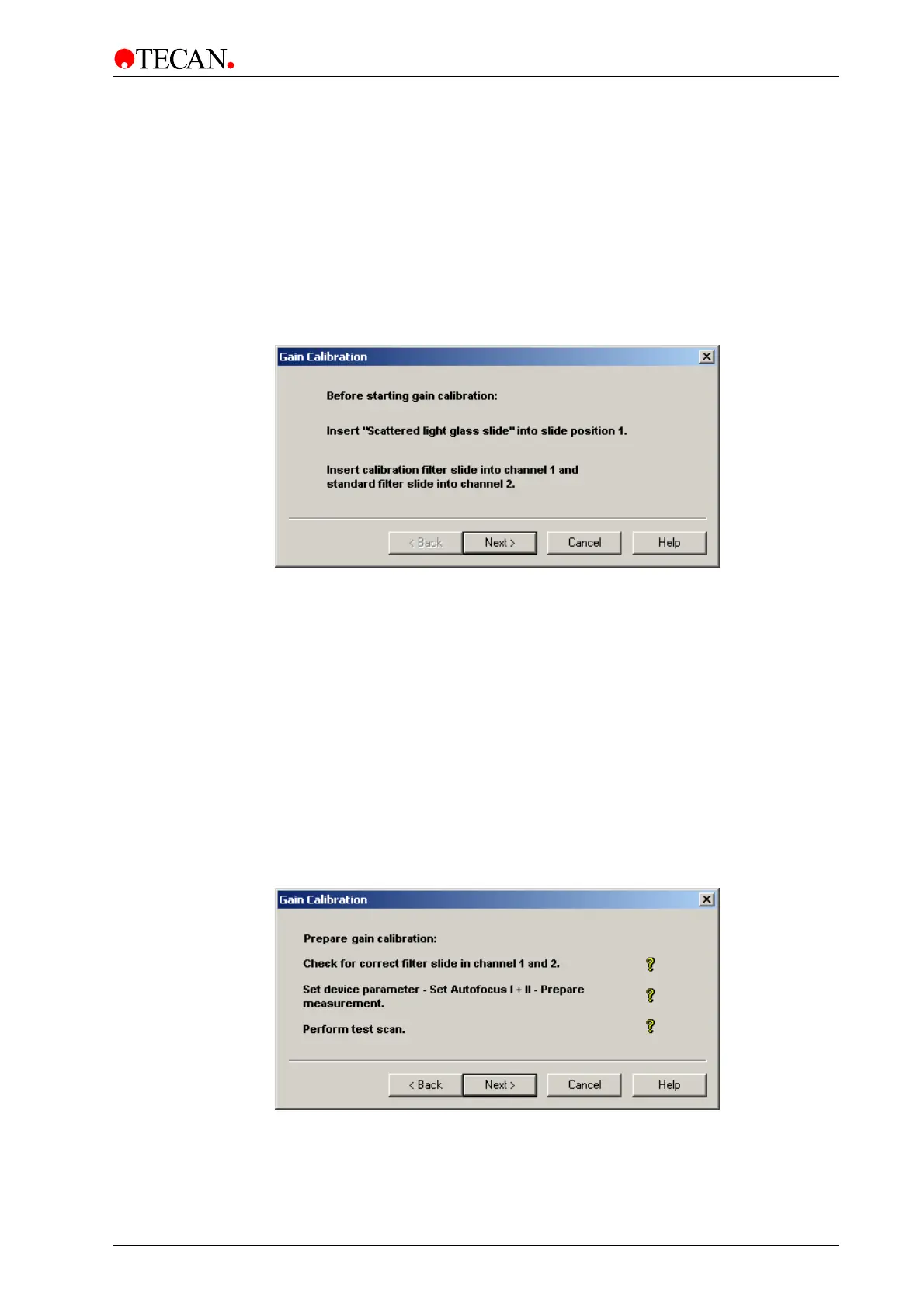
The Start Gain Calibration window
The Start Gain Calibration screen asks the user to insert specific special slide(s)
into the instrument:
• Scattered light glass slide
• Calibration filter slide with different OD filters
The
Start Gain Calibration window:
Click
Next to confirm that the special slides have been loaded and the user is
guided to the next screen of the wizard: The
Prepare Gain Calibration window.
The Prepare Gain Calibration window
In the Prepare Gain Calibration window the Tecan LS SERIES SCANNER
instrument is prepared for gain calibration.
The following steps are carried out:
• Check for the correct filter slides.
• Set special device parameters.
• Perform an Autofocus scan.
• Prepare for gain calibration measurement.
• Perform test scan.
A
Status Control bitmap shows the result of the operation.
The
Prepare Gain Calibration window:
Click
Next to start the procedure and the user is guided to the next screen of the
wizard: The
Measurement Gain Calibration window.



 To Next Page