6. LSServer, Scanner Shell and Download
6-22 Operating Manual for the LS Series Scanner No. 30001798 Rev. No. 1.5 2004-11
The first page of the Adapter Format Wizard has the following buttons:
Reset
button
Click Reset to return all the values to the default settings.
Next
button
Click Next to save data temporarily and perform the second part
of the wizard.
Cancel
button
Click Cancel to close the dialog box.
The selected options are not saved.
Help
button
Click Help to display the online help for the dialog box.
After all the settings have been correctly entered click Next to continue to the
second page of the wizard.
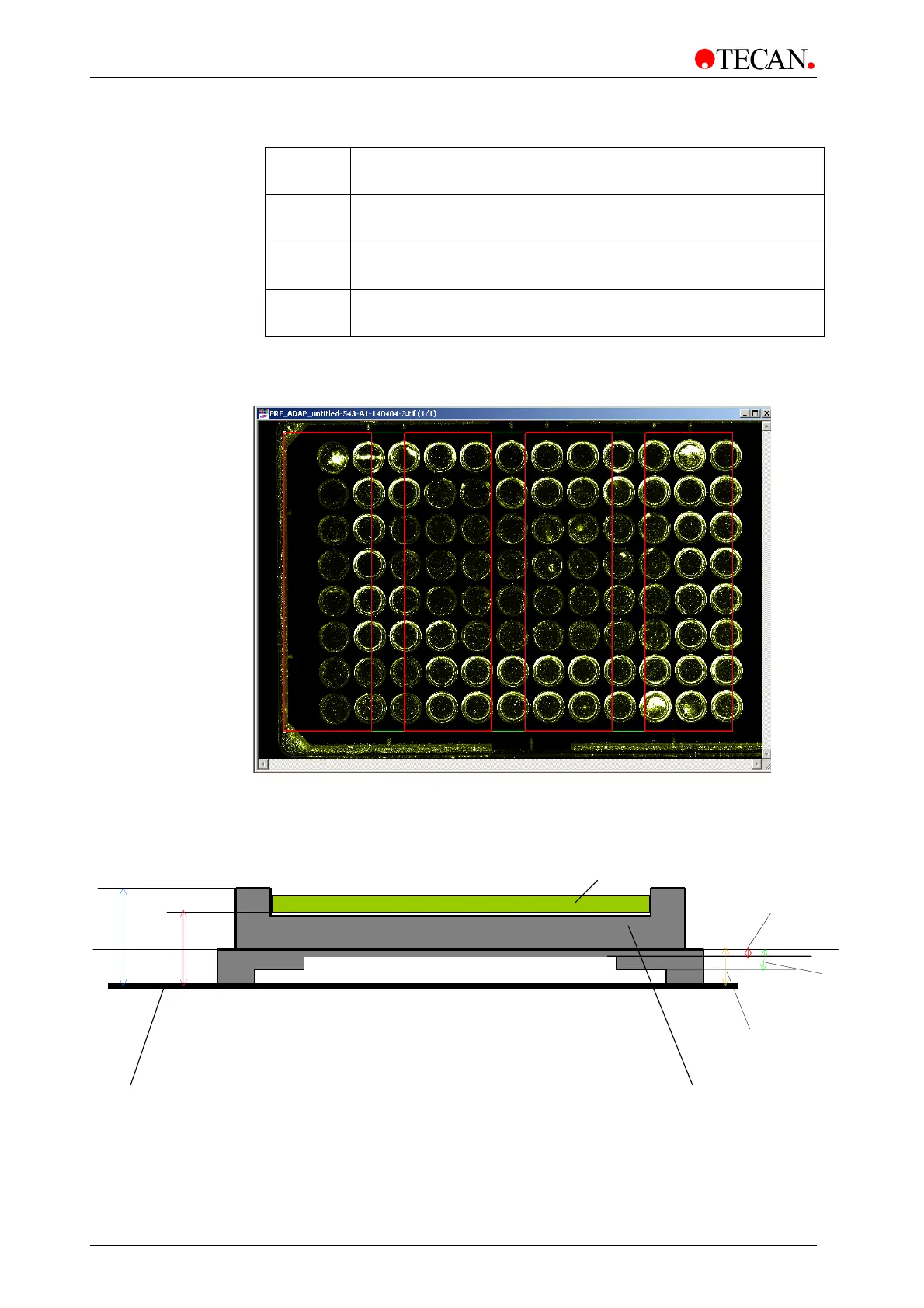
Example of current SAF parameters
MTP Adapter
Clamp
Height
Carrier
Height
Shuttle
Height
Table
Total Height
Sample
Slide Thickness



 To Next Page