6. LSServer, Scanner Shell and Download
2004-11 Operating Manual for the LS Series Scanner No. 30001798 Rev. No. 1.5 6-21
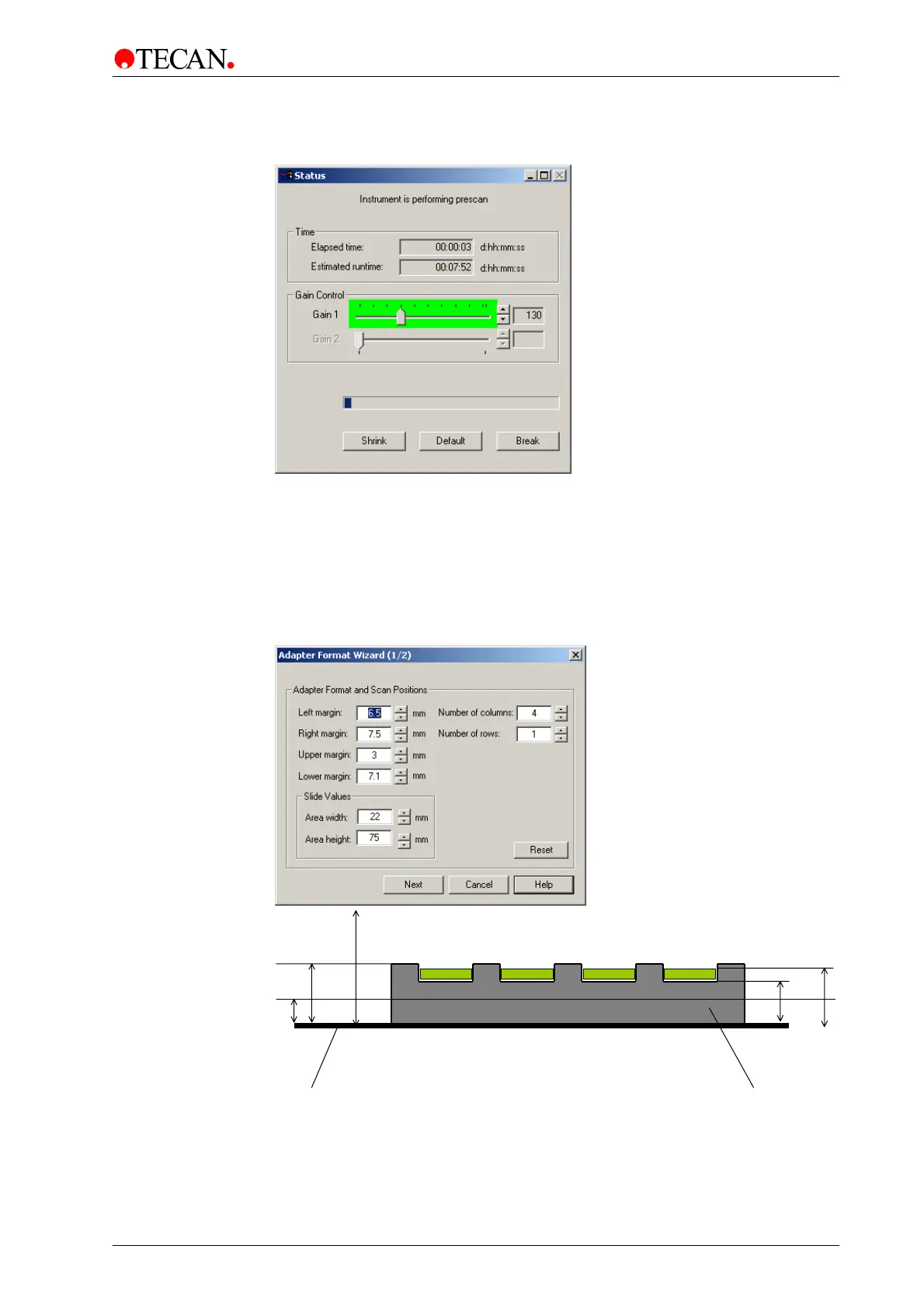
After clicking OK on the Insert Plate Heights dialog box the instrument starts the
prescan:
After the adapter prescan has finished, the scanned image is displayed. The
currently active .saf file is displayed as an overlay on the adapter prescan image.
The red rectangles represents the available scan areas. The big green rectangle
represents the outer dimension of the active area of the adapter.
After the instrument has performed the prescan, the first page of the adapter
format wizard appears.
14 mm
11
5 mm
12
5 mm
Table MTP ada
ter
Adapter Prescan = Non confocal scan of the complete transport-table-area.



 To Next Page