6. LSServer, Scanner Shell and Download
6-52 Operating Manual for the LS Series Scanner No. 30001798 Rev. No. 1.5 2004-11
Load…
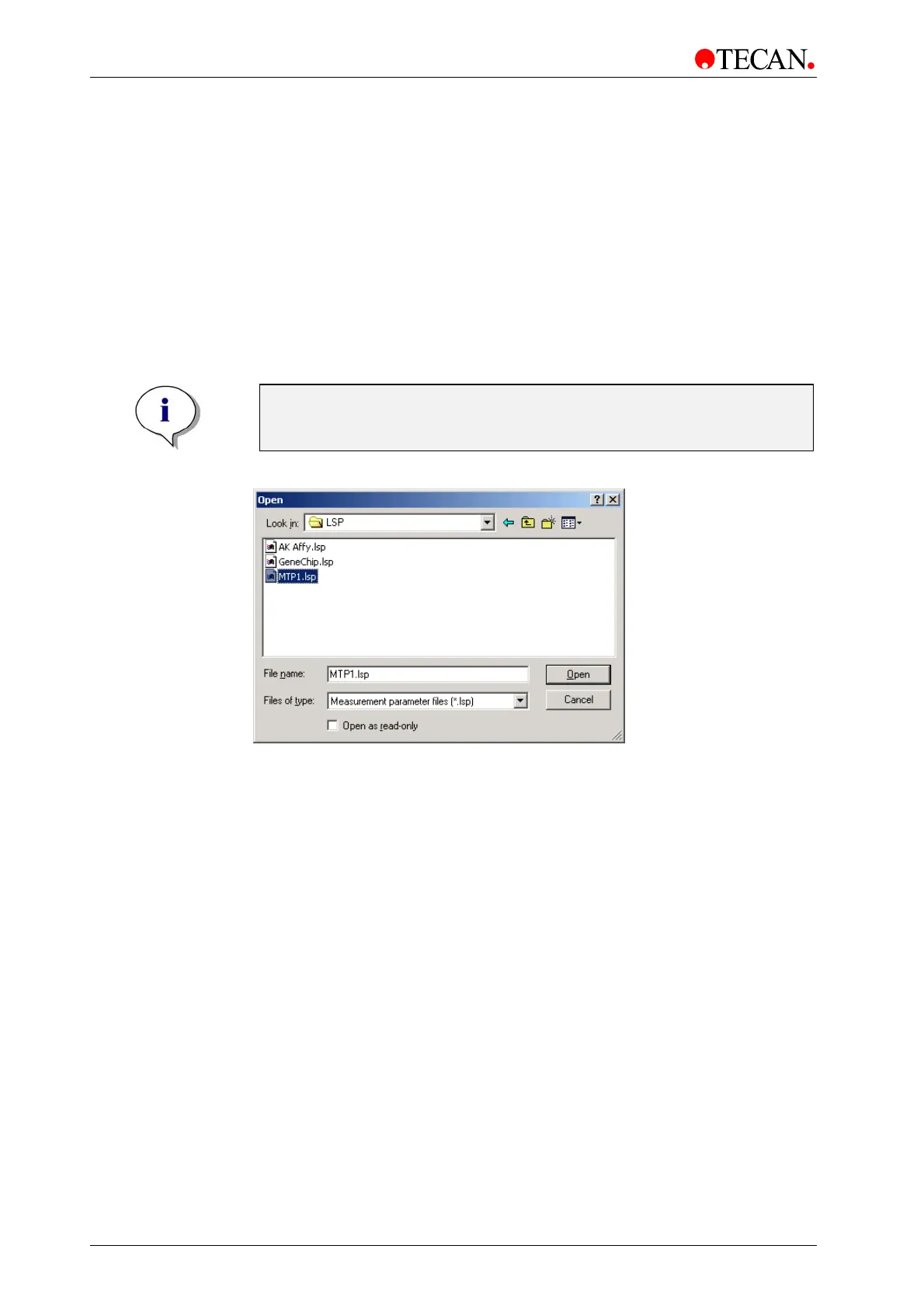
In the Measurement Control dialog box, click Load… to open existing
Measurement Parameter (.lsp) files. The standard Windows
Open dialog box
appears.
In the
Open dialog box all existing Measurement Parameter files will be shown.
After selecting the requested file it will appear in the filename line. Click
OK to
load the new measurement parameters and close the dialog box.
When a Measurement Parameter file is opened the defined measurement
parameters of the file will be loaded, which include all of the settings in the
Measurement Parameter dialog box on the General, Geometry Parameter, and
Scan Settings tabs.
Note
The selection of the slides to be processed will use the default settings
in which all slides are selected (see Slide Settings).
The Open dialog box:
The
Open dialog box is the standard Windows file open dialog box. It contains
the following elements:
Look in
combo box
In the
Look in combo box, the folder from which the
measurement parameter file can be opened, is selected.
Workspace
list box
The
Workspace list box shows the files and folders selected in
the
Look in combo box.
File name edit
box
In the File name edit box the measurement parameter file can
be selected. Either type the name of the file or use the
Look in
selection to obtain a list of file names from which the
measurement parameter file can be selected.
Files of type
combo box
All Tecan measurement parameter files have the file extension
*.lsp.
Open as read
only
check
box
Select
Open as read only to view the file and protect it from
being changed.
Open
button
Click the
Open button to load a selected measurement
parameter file (*.lsp).
Cancel button Click the Cancel button to close the dialog box without loading
a file.



 To Next Page