6. LSServer, Scanner Shell and Download
2004-11 Operating Manual for the LS Series Scanner No. 30001798 Rev. No. 1.5 6-59
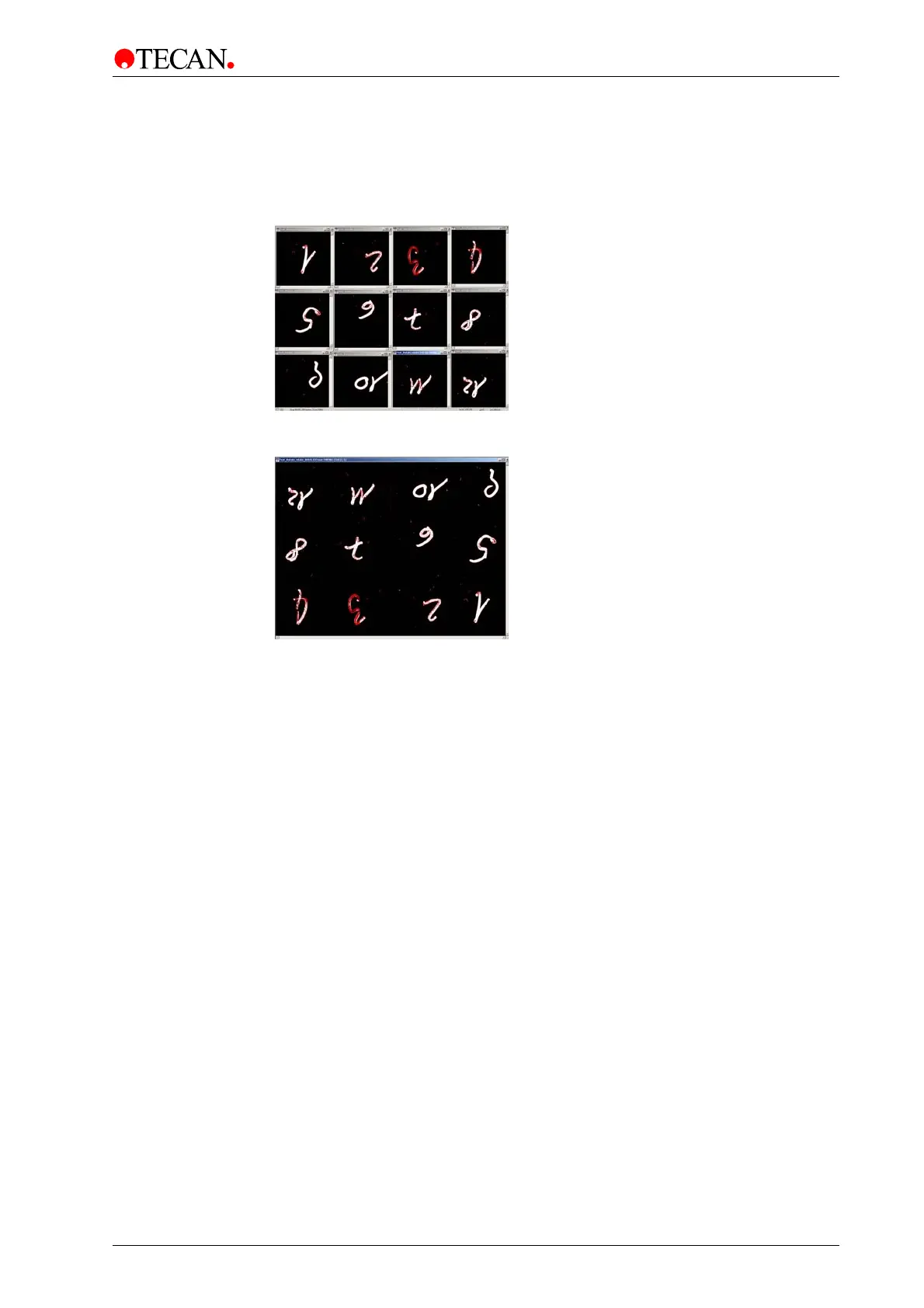
Rotate image
Rotates image clockwise 180°.
For example, if
Rotate image is selected, the result will be as follows:
When
Rotate image and Stitch resulting images is selected the results will be
as follows:



 To Next Page